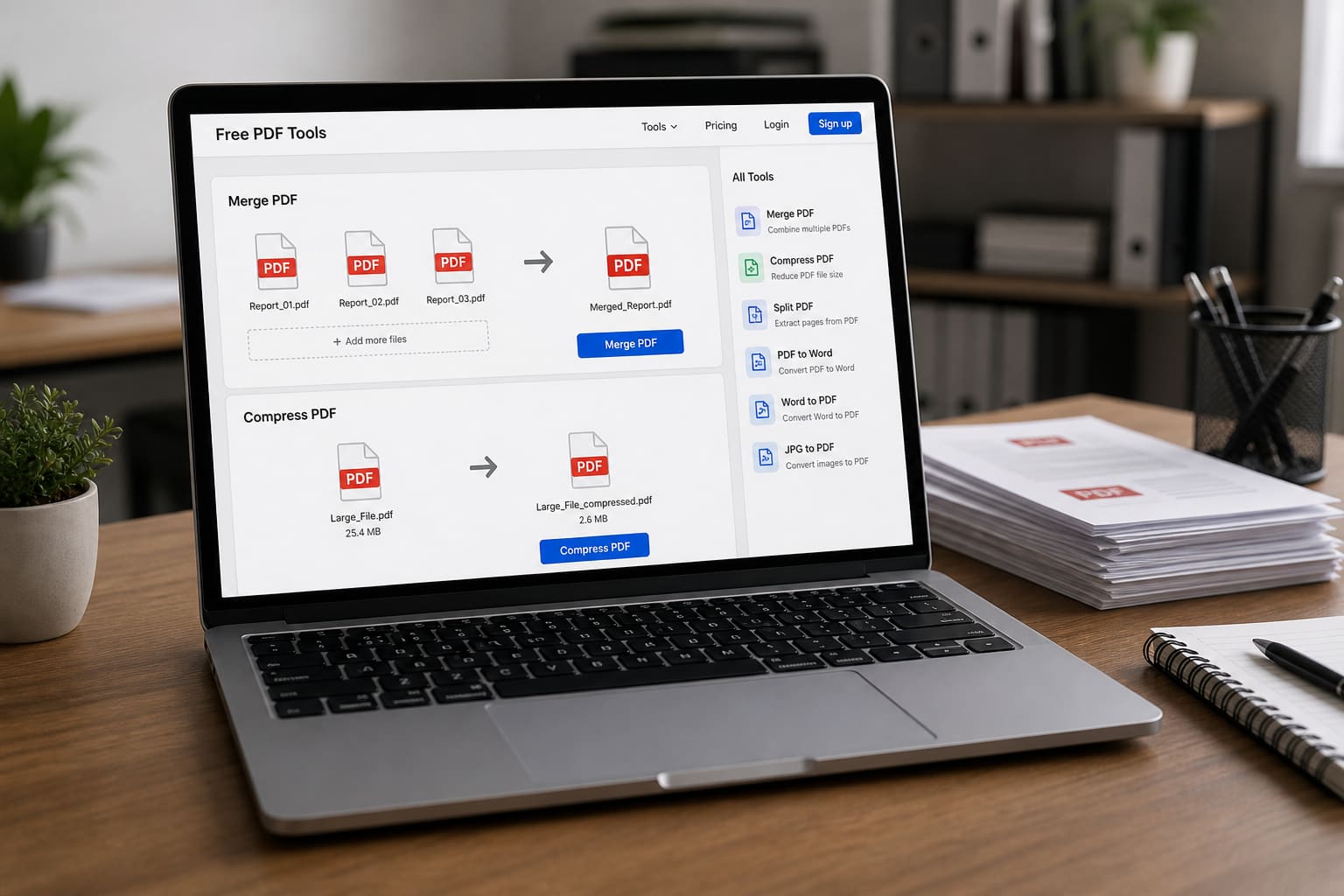
PDFs run Ghana’s paperwork life — admission forms, invoices, CVs, and contracts. You don’t always need paid Adobe for basic jobs.
Here’s a practical guide to free PDF tools and safer habits.
Common PDF Tasks (and Free Options)
| Task | Free approach |
|---|---|
| Merge PDFs | Google Drive / trusted desktop tools / official suite features |
| Compress PDF | Built-in “reduce size” export / reputable compressors |
| Convert Word → PDF | Google Docs / Word export |
| Fill simple forms | Preview/Edge/Chrome form fill where supported |
| Sign lightly | Official e-sign features or print-sign-scan for local needs |
Tool names change; prefer well-known suites over random “PDF crack” sites.
Safer Free Workflows
Merge / Organise
- Upload to Google Drive (if the file isn’t ultra-sensitive).
- Open with a Google Docs/Drive PDF tool where available, or use a reputable merge utility.
- Download the result and delete the online copy if needed.
Compress for WhatsApp/Email
Export a smaller PDF from your editor, or compress once. Repeated recompression can ruin quality.
Convert Images to PDF
On phones: print-to-PDF / Drive scan features. Keep originals.
What NOT to Upload to Random PDF Websites
- Ghana Card / passport scans
- Bank statements
- Signed contracts with personal addresses
- Medical records
- Client confidential files
If a site is unknown and asks you to upload IDs, stop.
Free PDF Tools — Quick Safety Checklist
| Do | Don’t |
|---|---|
| Use official apps/browsers | Install shady “PDF Pro forever” APKs |
| Delete sensitive uploads after | Reuse passwords on tool sites |
| Keep an offline original | Trust unknown “unlock PDF” cracks |
| Check file size before sending | Email 80MB attachments |
Desktop Alternatives
- LibreOffice Draw/Writer for some PDF/export work
- Built-in Windows/macOS print-to-PDF
- Browser print → Save as PDF
FAQ
Is free PDF editing perfect?
Advanced edits (heavy redaction, complex forms) may still need better software. Free tools cover most student/SME needs.
Why is my PDF blurry on WhatsApp?
WhatsApp compression. Send as Document, not as image gallery.
Can I password-protect a PDF?
Yes in many editors. Remember the password — recovery is often impossible.
Sources / Verify With
- Google Drive / Docs help pages
- Your OS built-in print-to-PDF documentation
This article is original editorial for Sen Gideons News Studio. Not an endorsement of every online PDF website.