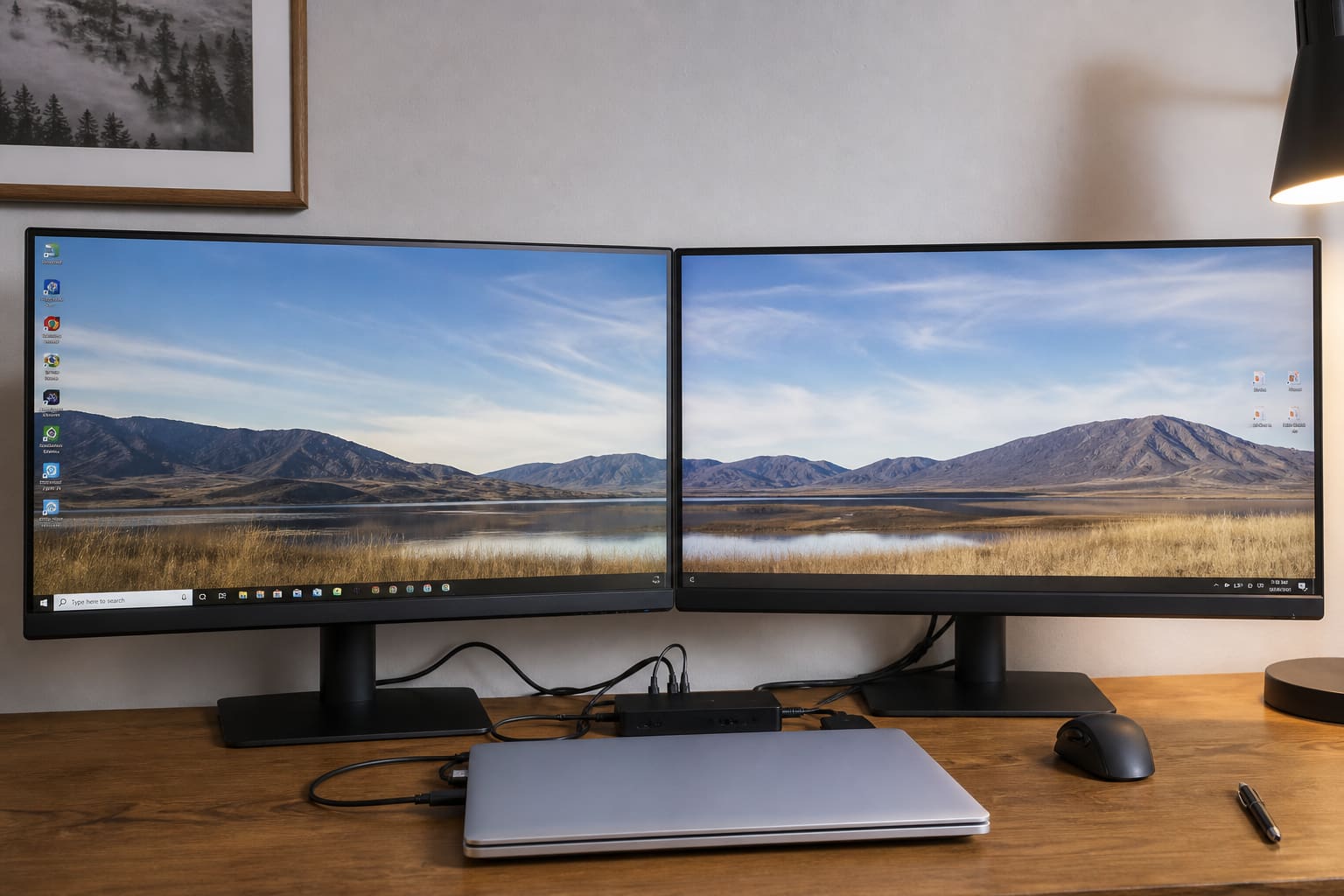
A second monitor is one of the best upgrades for students, editors, and office work — if Windows detects it correctly.
What You Need
- A monitor with HDMI, DisplayPort, VGA, or USB-C
- Matching cable (or a known-good adapter)
- Laptop/PC with a free video port
USB-C/Thunderbolt laptops may need a hub that supports video out.
Connect & Detect
- Plug in the monitor and power it on
- Connect the cable to the PC
- On Windows: right-click desktop → Display settings
- Click Detect if the second screen is missing
- Under Multiple displays, choose Extend (recommended) or Duplicate
Drag the display boxes so mouse movement matches physical desk layout. Set your preferred main display.
Extend vs Duplicate
| Mode | Best for |
|---|---|
| Extend | Real multitasking (docs + browser) |
| Duplicate | Presentations / classroom projector |
| Second screen only | Use external monitor with lid closed (if supported) |
Dual Monitor — Common Fixes
- Wrong input selected on the monitor (HDMI1 vs HDMI2)
- Try another cable — cheap HDMI cables fail often
- Update GPU drivers (Intel / AMD / NVIDIA)
- For USB-C: confirm the port supports DisplayPort Alt Mode
Dual Monitors — FAQ
Can any laptop drive two screens?
Many can do laptop + one external. Three displays depend on GPU/ports.
Does it drain battery faster?
Yes when unplugged. Plug in for desk setups.
Is a TV okay as a monitor?
Yes for casual use — set correct resolution and watch for input lag.
Sources / Verify With
- Microsoft multiple displays help
- Your laptop maker’s docking / USB-C video notes
Original Sen Gideons News Studio editorial.