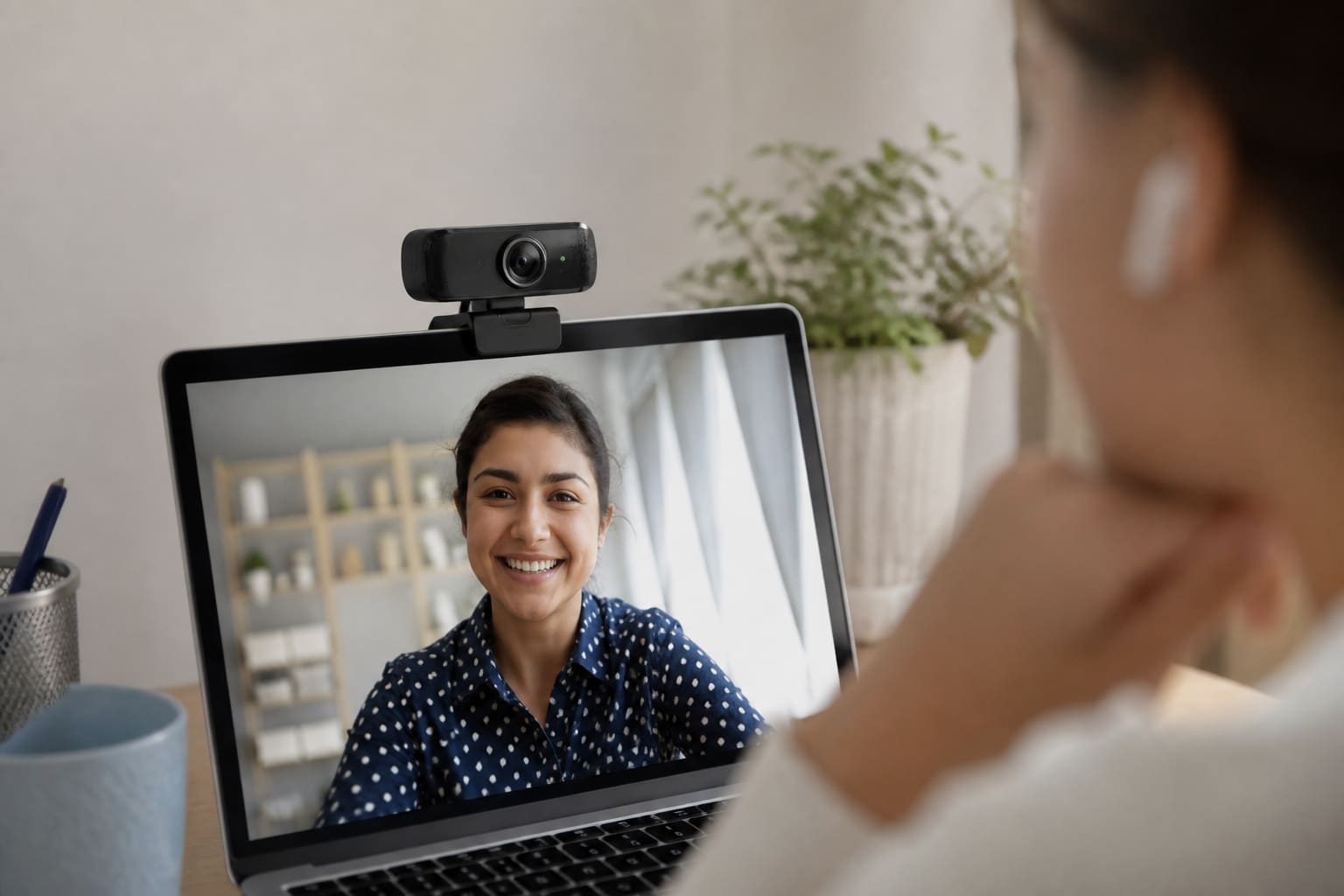
For Moodle viva, Zoom classes, and client calls, a clear webcam beats apologising for a potato image.
Do You Need an External Webcam?
Buy one if:
- Laptop lens is soft / scratched
- You sit with a bright window behind you (external cam + better angle helps)
- You use a desktop PC
Often a cheap ring light + better seating fixes more than a 4K cam in a dark room.
What to Buy
| Feature | Guidance |
|---|---|
| Resolution | 1080p is the sweet spot for 2026 calls |
| Autofocus | Useful if you lean in/out |
| Mic | Built-in is okay; headset is better for noise |
| Mount | Clip that fits your laptop lid / monitor |
| Privacy shutter | Nice extra |
Setup Tips After Purchase
- Face a light source; don’t backlight yourself
- Eye-level camera (books under laptop if needed)
- In Zoom, pick the correct camera device
Related: Zoom Tips for Students.
FAQ
Is 4K worth it for Zoom?
Usually no — bandwidth and lighting matter more. 1080p is enough.
Phone as webcam?
Apps exist; a simple USB cam is more reliable for exams.
Sources / Verify With
- Zoom/Google Meet recommended settings
- Seller return policy for DOA units
Original Sen Gideons News Studio buyer’s guide.