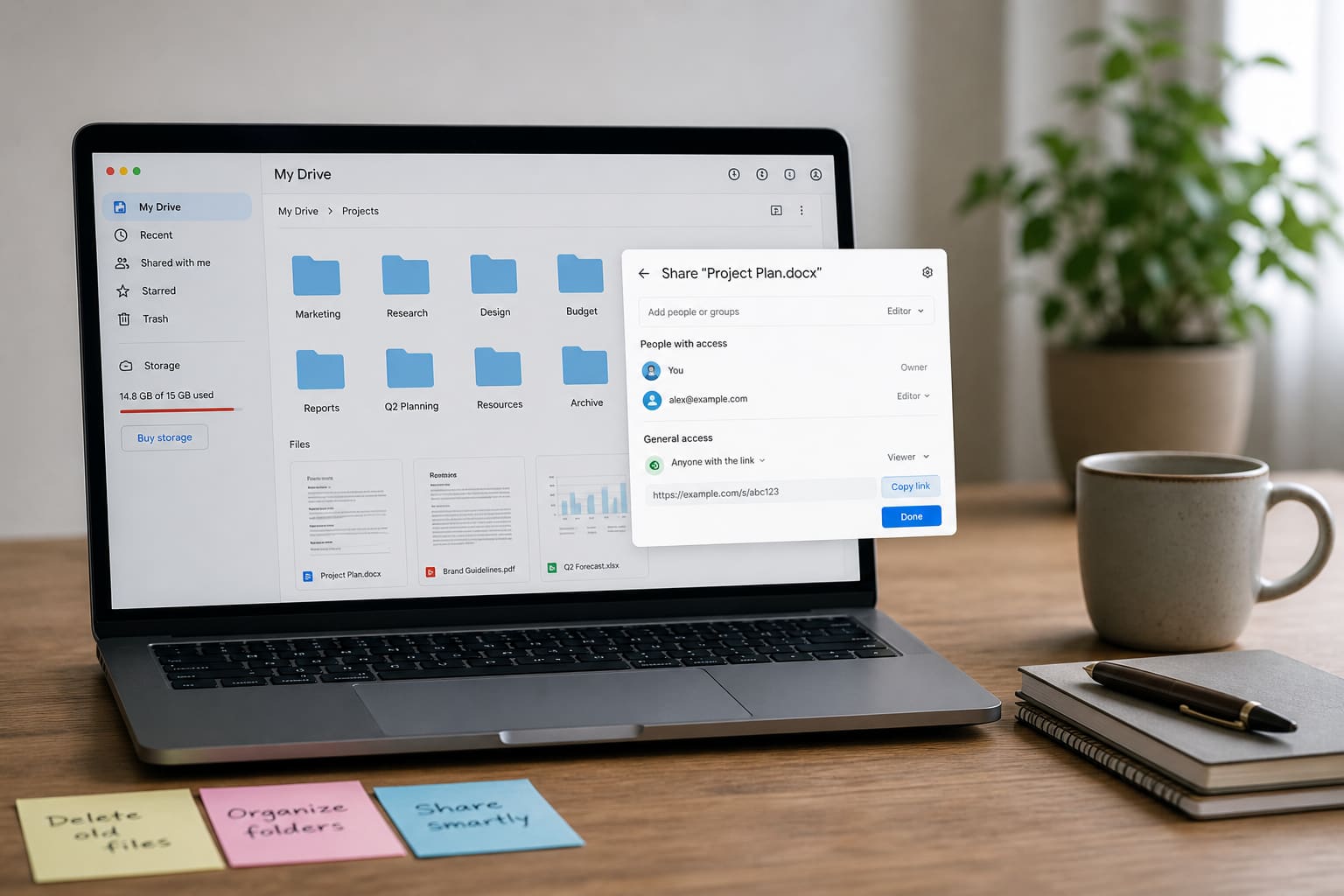
Google Drive quietly holds WhatsApp Android backups, school PDFs, and business docs — until the dreaded storage full warning.
Here are practical Google Drive tips for Ghanaian students, freelancers, and SMEs.
What Counts Against Google Storage
Depending on your account, storage may be shared across:
- Google Drive files
- Gmail attachments
- Google Photos (depending on backup settings)
Clearing only one app may not free enough space.
Organise Like a Pro (Simple Folder System)
Create top folders:
PersonalSchool/WorkBusiness ClientsIDs Scans(restricted sharing)Archive 2025
Inside clients: one folder per customer. Naming beats chaos: 2026-03_Invoice_AmaBoutique.pdf.
Share Files Safely
| Access type | Use when |
|---|---|
| Viewer | Someone only needs to read |
| Commenter | Feedback without edits |
| Editor | Trusted collaborators only |
| Anyone with link | Risky for private docs |
Never set Ghana Card scans to “Anyone with the link.”
Free Up Google Drive Space Fast
- Open Google Drive storage management / storage page.
- Sort by largest files.
- Delete old WhatsApp video backups you don’t need.
- Empty Trash (files still count until purged).
- Review Google Photos: convert backup quality settings or offload.
- Delete huge Gmail attachments via search (
has:attachment larger:10M).
Google Drive Tips — Quick Wins
| Tip | Why it helps |
|---|---|
| Offline files on purpose | Save data on the go |
| Star key docs | Faster find |
| Replace email attachments | Send Drive links |
| Check sharing quarterly | Remove ex-staff access |
| Use official app | Avoid fake “Drive cleaner” APKs |
Backup Mindset
Drive is excellent — still keep a second copy of irreplaceable files (laptop disk / USB) for land documents and business records.
FAQ
Is 15GB enough?
For light users, yes. Creators and WhatsApp backup users often need cleanup or paid storage.
Can I recover deleted files?
Yes from Trash for a limited time — then they’re gone.
Drive vs WhatsApp document chat?
Drive is better for organised long-term files; WhatsApp is for quick sending.
Sources / Verify With
- Google Drive Help / storage manager
- Google Photos backup settings
This article is original editorial for Sen Gideons News Studio. Storage policies and free quotas can change.