Sharing Wi‑Fi feels polite — until someone torrents illegally, hogs bandwidth, or peeks at devices on your network.
Here’s a practical look at Wi‑Fi password sharing risks and safer options for homes and small shops in Ghana.
What Can Go Wrong?
When someone has your Wi‑Fi password they can:
- Use your bandwidth (slowing Zoom/classes)
- Generate traffic that ISPs or authorities may associate with your line
- In poorly secured networks, attempt attacks on shared devices
- Stay connected long after they leave if you never rotate the password
Most guests are harmless. The risk rises with open houses, shops, or frequent strangers.
Safer Alternatives to Sharing Your Main Password
1. Guest Network (Best Home Option)
Many routers support a Guest Wi‑Fi SSID that keeps visitors off your main devices.
2. Temporary Password Rotation
Share a password, then change it after the event/party.
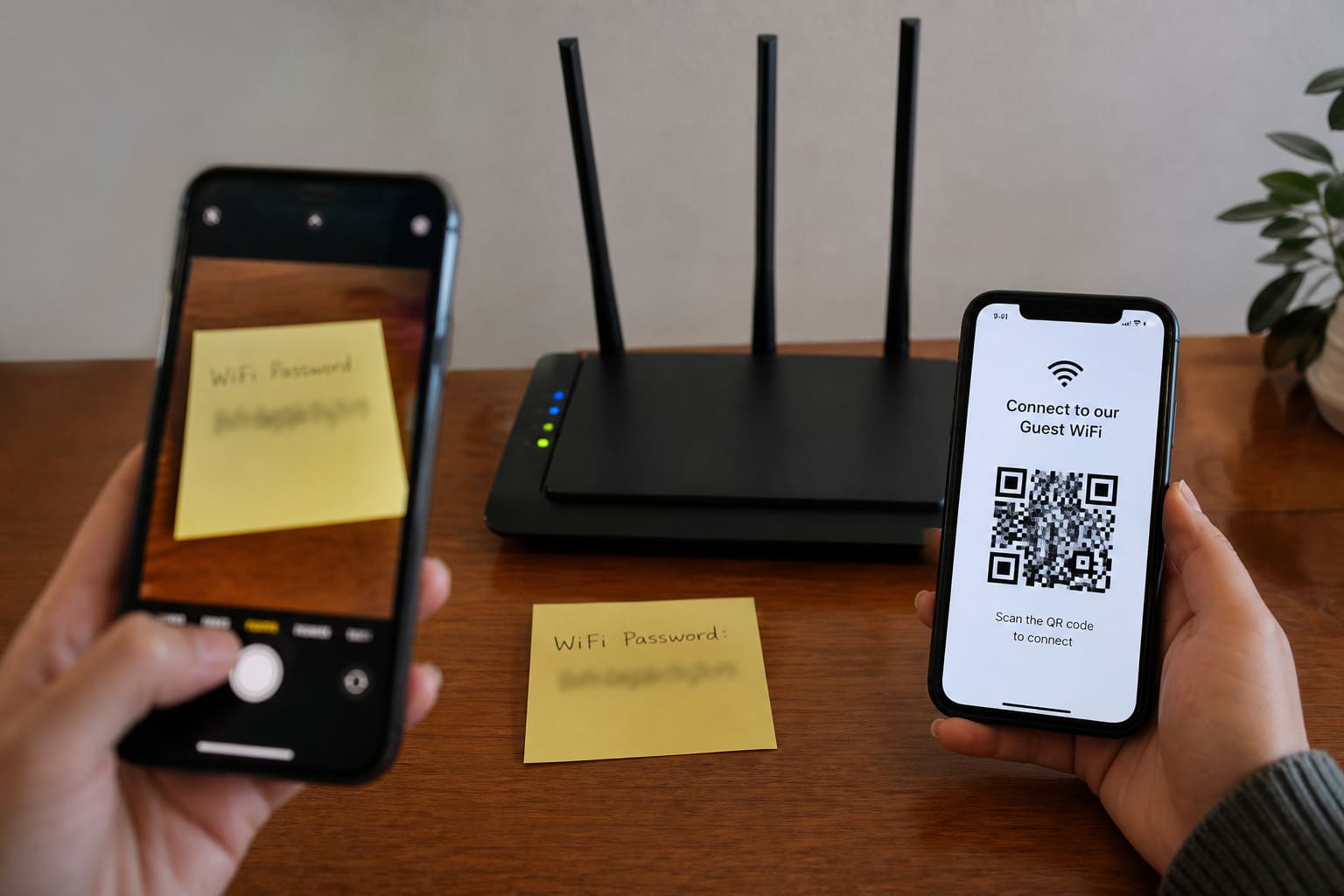
3. QR Code for Guests
Easier than dictating long passwords — still rotate later if needed.
4. Mobile Hotspot for One Person
Useful when you don’t want anyone on the home router.
Router Hygiene Checklist
| Setting | Recommendation |
|---|---|
| Wi‑Fi password | Strong, not password123 |
| Admin password | Change default admin/admin |
| Encryption | WPA2/WPA3 where available |
| Firmware | Update when vendor provides |
| Guest network | Enable for visitors |
| WPS button | Often safer disabled |
Shop / Café Wi‑Fi Tips
- Separate guest Wi‑Fi from POS systems when possible
- Post fair-use rules (no torrents)
- Consider a simple voucher/time-limit system if abuse is common
- Don’t reuse the same password for 5 years
Is Sharing Wi‑Fi Password Safe? — Quick Answer
| Situation | Safer approach |
|---|---|
| Family member | Main network usually fine |
| One-time visitor | Guest network / temp password |
| Public customers | Dedicated guest SSID |
| Unknown stranger | Hotspot or refuse politely |
FAQ
Can neighbours hack me if they know the password?
Knowing the password lets them join. Separately, weak router admin security is another issue — change defaults.
Does a VPN on my laptop protect the whole house?
Usually no — it protects that device’s traffic, not every phone on Wi‑Fi.
Should I hide my SSID?
Hiding alone isn’t strong security. Strong passwords + guest network matter more.
Sources / Verify With
- Your router manufacturer’s security guide
- ISP customer support for firmware/app tools
This article is original editorial for Sen Gideons News Studio. Router menus vary by brand (MTN routers, TP-Link, Huawei, etc.).