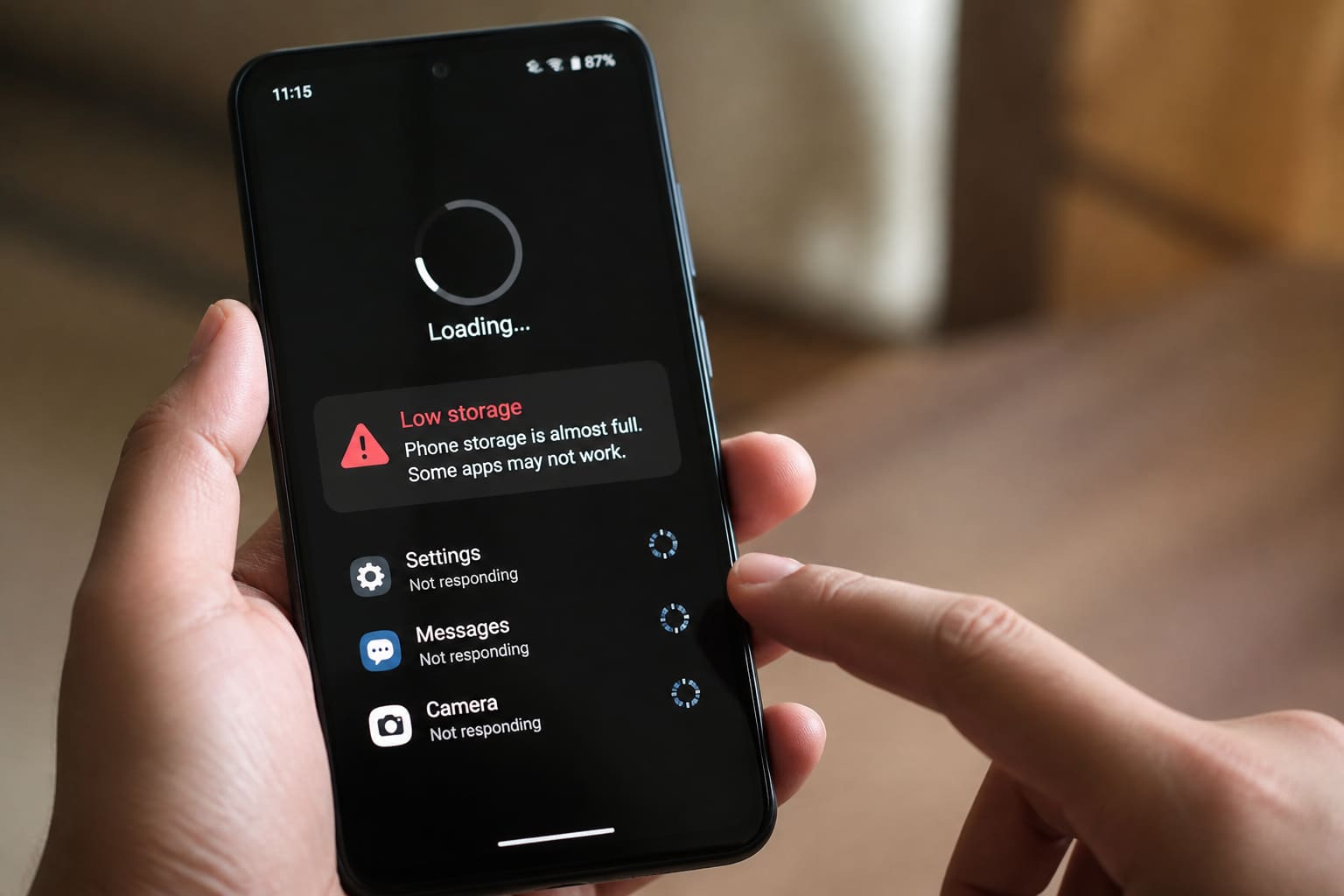
If WhatsApp takes forever and Chrome tabs freeze, you’re not alone. Slow Android phones are one of the top tech frustrations in Ghana — especially on budget devices packed with apps.
Here’s what usually causes the lag and how to speed things up without sketchy “cleaner” APKs.
Why Android Phones Get Slow
- Storage almost full (photos, WhatsApp status downloads, WhatsApp.Statuses leftovers)
- Too many auto-start apps
- Old apps + outdated system software
- Home-screen widgets and animated launchers
- Malware / fake cleaners installed from unknown links
- Aging battery / thermal throttling in heat
- Too many Chrome tabs and cached junk
How to Speed Up Your Android Phone
1. Free Storage (Biggest Win)
- Delete bulky WhatsApp videos you don’t need
- Offload photos to Google Photos (backup first) or a PC
- Clear downloads folder
- Uninstall apps you haven’t opened in months
Aim to keep 15–20% storage free when possible.
2. Disable Startup Bloat
Open settings → apps → disable or uninstall manufacturer bloat you don’t use (careful with system apps you don’t recognise).
3. Limit Background Data for Heavy Apps
For Facebook, TikTok, and games: restrict background usage if your phone is low-RAM.
4. Update Officially
Use Settings → System update and Play Store updates. Avoid “Android 16 installer” Telegram files.
5. Restart Weekly
Simple, but it clears stuck processes.
6. Replace Fake Cleaners
Uninstall random cleaner/booster apps. Android’s built-in storage tools are safer.
7. Check for Malware Behaviour
Clues: sudden ads on the home screen, unknown apps, crazy data usage. Run Play Protect and remove suspicious apps.
Slow Android Fix — Quick Checklist
| Step | Action |
|---|---|
| Storage | Delete big videos/apps |
| Apps | Uninstall unused + fake cleaners |
| Updates | System + Play Store |
| Browser | Close tabs / clear cache |
| Restart | Once a week |
| Still slow? | Factory reset backup → or upgrade |
When It’s Time to Upgrade
If you have under 3–4GB usable RAM, a worn battery, and constant thermal lag, software cleanup only helps so much. Consider a phone with more RAM/storage — see our budget phone buying guide.
FAQ
Does factory reset really help?
Yes, if the software is clogged — after backing up WhatsApp/photos. It won’t fix dying hardware.
Is clearing cache safe?
Clearing app cache is usually safe. Avoid “clear data” unless you know you’ll lose logins/settings.
Why is my phone slow only in the afternoon heat?
Heat throttles performance. Remove thick cases while charging; don’t game while charging in the sun.
Sources / Verify With
- Google Android Help documentation for your version
- Play Protect / official Play Store only for apps
This article is original editorial for Sen Gideons News Studio. Menu names vary by brand (Samsung, Infinix, Tecno, etc.).