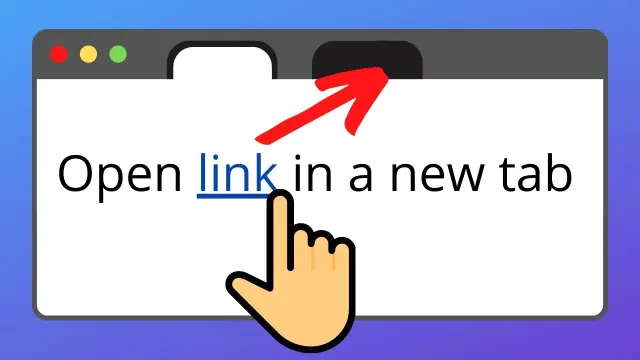
Opening links in a new tab is an HTML attribute decision — useful for external docs, but easy to overuse. Here’s the correct, accessible approach.
The basic pattern
<a href="https://example.com" target="_blank" rel="noopener noreferrer">Example</a>Why rel="noopener noreferrer" matters
noopenerprevents the new page from accessingwindow.opener(tabnabbing risk)noreferreralso omits referrer information to the new destination- Modern browsers improved defaults, but explicit rel is still good practice in many codebases
When to use a new tab
- External references leaving your site
- PDF/manual downloads users may want beside your page
- Admin tools where losing form state would hurt
When not to
- Internal navigation inside your own IA
- Every single link (users hate tab spam)
- Critical flows where back-button expectation matters
Accessibility extras
Warn users when a link opens a new window/tab if it’s not obvious — visually or with screen-reader text. Don’t rely on colour alone.
Related front-end tips
Centering and layout: center an element. Forms styling: placeholder colour.
FAQ
Is target=”_blank” enough alone?
Add appropriate rel values.
Can JavaScript window.open replace this?
It can, but HTML links are simpler and more resilient.
Does this work on mobile?
Yes — “tabs” behaviour depends on the mobile browser.
Use target="_blank" sparingly with rel="noopener noreferrer", mostly for external resources. Protect users from tabnabbing and from tab overload.
Disclaimer
Sengideons.com does not host any files on its servers. All point to content hosted on third-party websites. Sengideons.com does not accept responsibility for content hosted on third-party websites and does not have any involvement in the same.