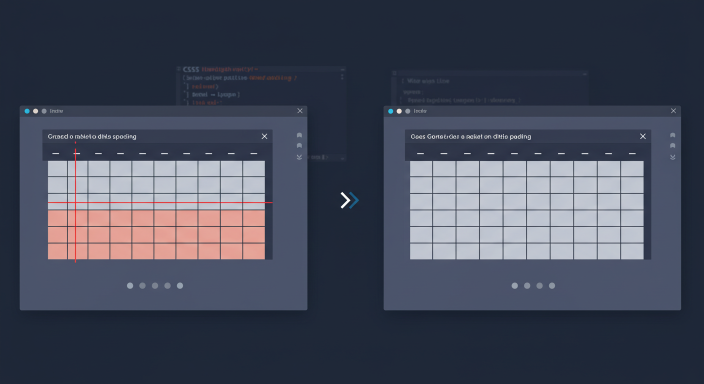
In modern HTML/CSS, cell padding and spacing on tables are controlled primarily with CSS — the old cellpadding and cellspacing attributes are obsolete for new pages.
Replace cellpadding
table td, table th {
  padding: 12px 16px;
}
Padding lives on cells, not on the table element alone, when you want inner spacing.
Replace cellspacing
table {
  border-collapse: separate;
  border-spacing: 8px;
}
Or use collapsed borders when you want a single grid line:
table {
  border-collapse: collapse;
}
With collapse, border-spacing has no effect.
Practical patterns
- Data tables: collapse + cell padding for readability
- Card-like table layouts: separate + spacing
- Don’t mix presentational HTML attributes with CSS haphazardly
Accessibility
- Use real
<table>for tabular data - Include
<th>with scope where helpful - Ensure contrast on borders/text
Related CSS
Centering wrappers: horizontal centering. Form polish: placeholder colour.
FAQ
Do browsers still honour cellpadding?
Many do for legacy pages — don’t use it in new code.
Can I pad the table element?
That pads outside the border box differently — prefer cell padding.
What about gap on CSS grid?
For non-table layouts, Grid/Flex gap is often cleaner than tables.
Use CSS padding on cells and border-spacing/border-collapse on tables. Leave presentational HTML attributes in the past.
Disclaimer
Sengideons.com does not host any files on its servers. All point to content hosted on third-party websites. Sengideons.com does not accept responsibility for content hosted on third-party websites and does not have any involvement in the same.