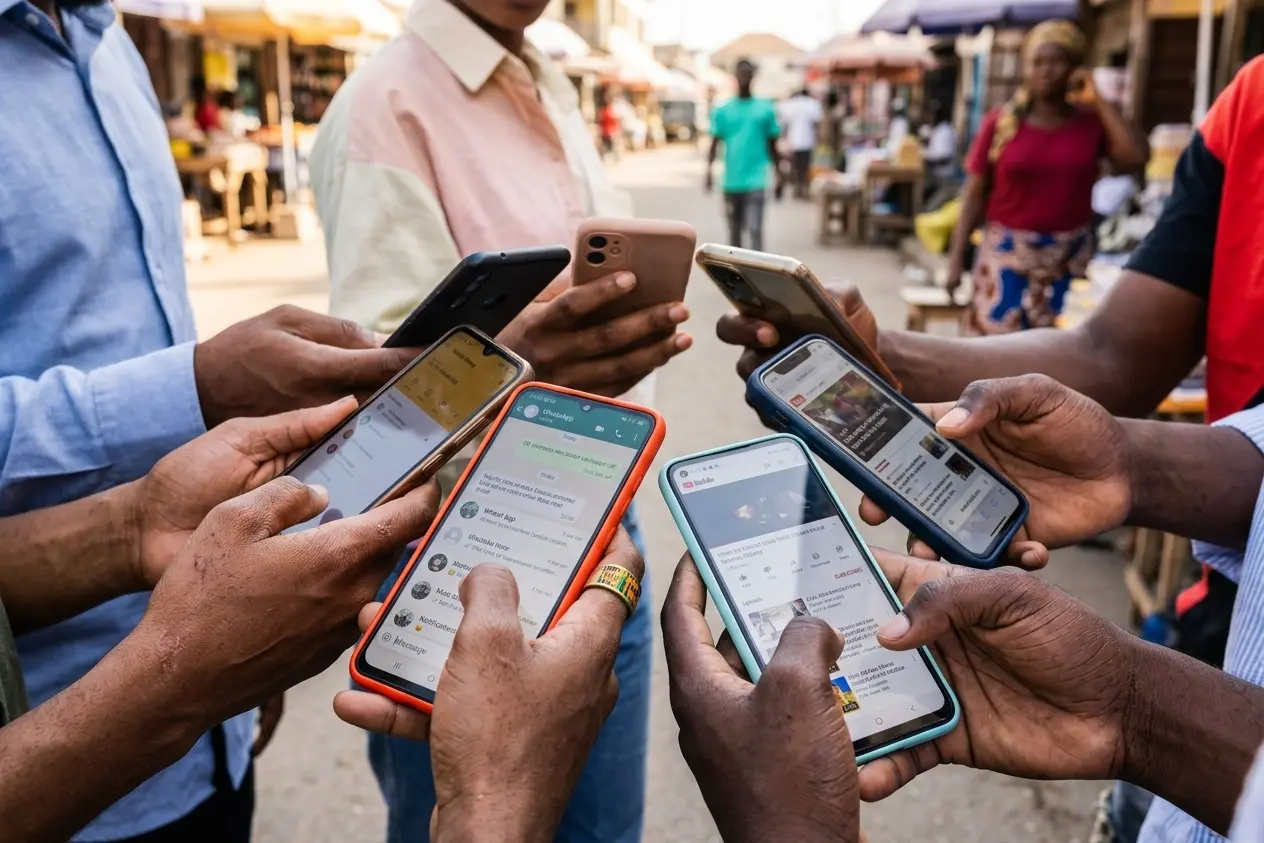
Sharing mobile data is one of the most useful everyday phone skills in Ghana a sibling runs out of gigabytes mid-assignment, a parent needs WhatsApp on the road, or you want to top someone up without buying them a whole new bundle. This guide explains how data sharing / gifting usually works on major networks, what to verify before you send, and how to avoid scam “free data” pages.
Important: Menu codes, app labels, and bundle rules change. Treat the steps below as a practical checklist, then confirm the current option inside your official MTN or Telecel (formerly Vodafone) app or USSD menu the same day you share.
What “share data” usually means
- Gift / transfer: You send megabytes or a bundle allowance to another number on the same network.
- Family / group plans: One payer manages a shared pool (when the product exists).
- Hotspot: You share your phone’s connection over Wi‑Fi uses your data, not a transfer to their SIM.
Hotspot is fine for short help in the same room. For someone across town, use the network’s gift/transfer feature when available.
Before you share quick checklist
- Confirm both numbers are active and on the same network (cross-network gifting is often limited or unavailable).
- Check your own balance and expiry you can’t gift what has already expired.
- Use the official app or USSD from your SIM not a random Telegram “data seller.”
- Save the recipient’s number correctly (Ghana format, no typos).
- Watch for night-only or social-only bundles that don’t gift the way you expect.
MTN Ghana typical path
- Open the official My MTN app (or dial the current self-care USSD from MTN’s help pages).
- Look for Bundle, Gift, Share, or Transfer options tied to data.
- Choose data gift / share, enter the recipient’s MTN number, and the amount or bundle.
- Confirm the SMS prompt or in-app confirmation.
- Ask the recipient to toggle Airplane mode on/off or restart data if the new balance doesn’t show in a minute.
If the app is down, try USSD from MTN’s published codes for your account type (prepaid vs postpaid menus can differ). Avoid third-party “MTN data APKs.”
Telecel Ghana typical path
- Open the official Telecel app (branding may still show older Vodafone labels on some screens during transitions).
- Find bundle management → gift / share / transfer data.
- Enter the Telecel number and amount.
- Confirm and wait for success SMS.
- If it fails, check whether the bundle type is giftable (some promo bundles are not).
Again: confirm in-app labels the day you do it rebrands and menu renames happen.
Hotspot sharing (when gift isn’t needed)
- On Android: Settings → Network & internet → Hotspot & tethering → Wi‑Fi hotspot.
- Set a strong password, see strong password tips.
- On iPhone: Settings → Personal Hotspot.
- Remind the other person to disconnect when done so your gigabytes don’t vanish overnight.
- For longer home use during outages, a proper router plan may be smarter fibre router guide.
Scams and mistakes to avoid
- “Agent” asking for your MoMo PIN to “push data”
- Fake websites promising unlimited data for GH₵1
- Sending to the wrong network number and losing the gift
- Assuming night data can be used at noon after transfer
- SIDEloading “data unlocker” apps malware risk
If something looks wrong with your account, contact official customer care channels listed in the app not a WhatsApp number from a flyer.
Related phone setup
- SIM registration / Ghana Card rules
- Reduce Android data use
- Buy a second-hand phone safely if you’re setting someone up with a spare handset
FAQ
Can I share MTN data to Telecel?
Often no for direct gift check current rules. Hotspot still works across devices.
Why did the gift fail?
Wrong network, non-giftable promo, insufficient balance, or recipient number issues.
Does sharing data cost extra?
Some products are free to gift; others add a small fee the confirmation screen should show it.
Is USSD safer than the app?
Both are fine if official. The app is usually clearer for first-timers.
Use official MTN or Telecel tools, confirm same-network rules, and prefer hotspot only for short local help. That’s how you share data in Ghana without feeding scam pages.
Disclaimer
Sengideons.com does not host any files on its servers. All point to content hosted on third-party websites. Sengideons.com does not accept responsibility for content hosted on third-party websites and does not have any involvement in the same.