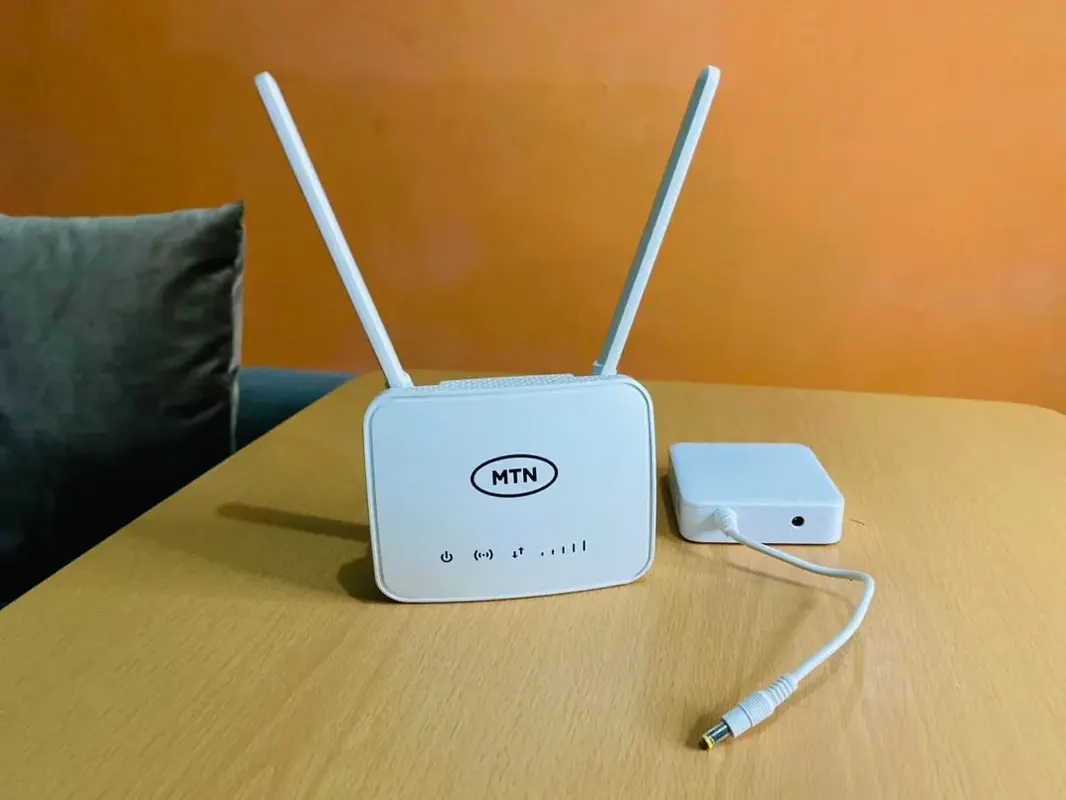
A home Wi‑Fi router for fibre in Ghana should match your ISP’s handoff and the size of your flat — mesh beats one weak plastic antenna farm in multi-room houses.
Buying checklist
- Confirm fibre ONT/router setup with your ISP (bridge vs router mode).
- Wi‑Fi 5/6 features your devices can use.
- Gigabit Ethernet ports for PCs/Smart TVs.
- Coverage: single router vs mesh nodes for upstairs.
- Easy guest network for visitors.
- Regular firmware updates from a real brand.
Placement & tuning
- Central, elevated, away from microwave corners
- Don’t hide inside metal cabinets
- Separate 2.4GHz (range) and 5GHz (speed) SSIDs if helpful
- Change default admin passwords — strong passwords
- Surge protection for the router/ONT — surge guide
When Wi‑Fi feels slow
- Test via Ethernet to isolate Wi‑Fi vs ISP issues.
- Reboot ONT/router in order your ISP recommends.
- Check for channel congestion.
- Casting/TV issues often are Wi‑Fi — casting guide.
FAQ
ISP router enough?
Sometimes; large homes often need mesh.
More antennas = better?
Not automatically.
Do I need Wi‑Fi 7 today?
Only if devices and budget justify it.
Match the router to fibre handoff and floorplan, place it well, secure admin access, and protect power. Coverage design beats sticker megabits.
Disclaimer
Sengideons.com does not host any files on its servers. All point to content hosted on third-party websites. Sengideons.com does not accept responsibility for content hosted on third-party websites and does not have any involvement in the same.