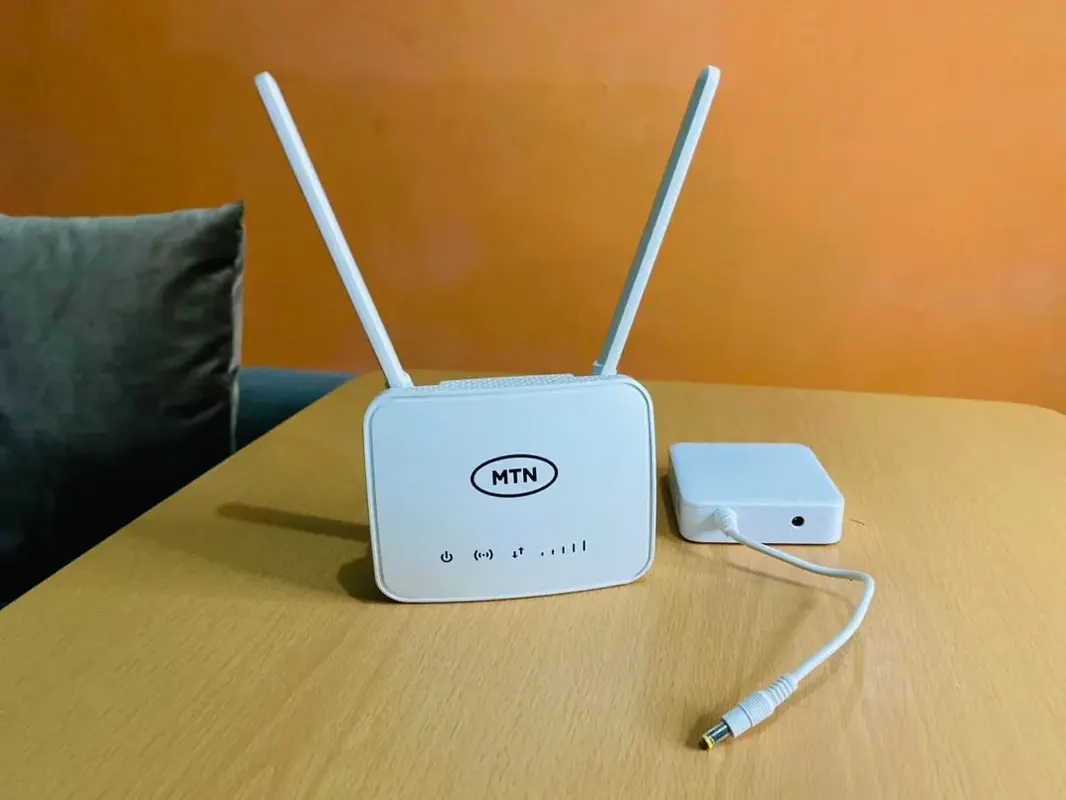
When ECG goes off, the first casualty in many Ghana homes isn’t the TV it’s the Wi‑Fi. Work calls drop, school portals freeze, and MoMo confirmations stall. You don’t always need a full generator for internet. A small power plan for the ONT/router is often enough.
What actually needs power
- Fibre ONT + Wi‑Fi router (sometimes one box, sometimes two)
- Optional: a small switch or mesh node
- Your laptop/phone (separate power bank or laptop battery)
If only the router stays on, phones can still get online. That’s the cheapest “keep WhatsApp alive” setup.
Option 1 – USB power bank + router that accepts USB/DC input
- Check whether your router can take 5V/9V/12V from a USB power bank or DC adapter.
- Many ISP boxes want a specific barrel jack voltage wrong voltage can kill the unit.
- If your router isn’t USB-friendly, don’t force random cables; use a UPS instead.
- Buy power banks with honest capacity see power banks in Ghana.
Option 2 – Small UPS for router + ONT (best general solution)
- Choose a UPS sized for electronics (router loads are small you don’t need a giant office UPS).
- Plug only the ONT/router (and maybe a modem) into battery outlets.
- Do not put heaters, irons, or fridges on a tiny UPS.
- Test a simulated outage once so you know the runtime.
- Protect the wall side with proper surge habits surge vs extension boards.
Option 3 – Inverter / generator (whole-home)
If you already run lights and fans on inverter or generator, add the router to that circuit with clean power. Size generators properly and never run them indoors generator safety guide. A rechargeable fan keeps you comfortable while you work fan guide.
Setup habits that extend runtime
- Place the router for coverage so you aren’t adding extra mesh nodes “just because”
- Disable unused USB sharing features on the router if they waste power
- Use 5GHz for nearby devices; 2.4GHz for range basics in fibre router buying guide
- On phones, avoid cloud backups kicking off the moment power returns and congestion spikes
- Keep a long Ethernet cable as backup for the laptop when Wi‑Fi is flaky
Mobile data failover
- Keep a modest emergency data bundle on MTN/Telecel.
- Know how to hotspot quickly.
- If you share data in the household often, learn official gift tools share MTN/Telecel data.
- Don’t rely on sketchy “free data” APKs during outages.
What not to buy
- No-name “router UPS” with fake ratings
- Voltage-mismatched DC converters
- Daisy-chained cheap extensions as “backup power”
- Oversized generators only to run a 12W router
FAQ
How long will a power bank last on a router?
Depends on router draw and bank capacity often 2-8 hours for efficient setups. Test yours.
Will fibre work without power at the neighbourhood cabinet?
If the ISP’s local plant is also down, your powered router still won’t get a signal. Mobile data is the fallback.
Is a UPS safer than USB hacks?
Usually yes for standard ISP adapters.
Can I power a Smart TV the same way?
TVs draw far more plan separately. See Smart TV guide.
Power the ONT/router first (USB-compatible bank or small UPS), keep mobile data as backup, and skip fake converters. That’s the practical Ghana playbook for Wi‑Fi during outages.
Disclaimer
Sengideons.com does not host any files on its servers. All point to content hosted on third-party websites. Sengideons.com does not accept responsibility for content hosted on third-party websites and does not have any involvement in the same.