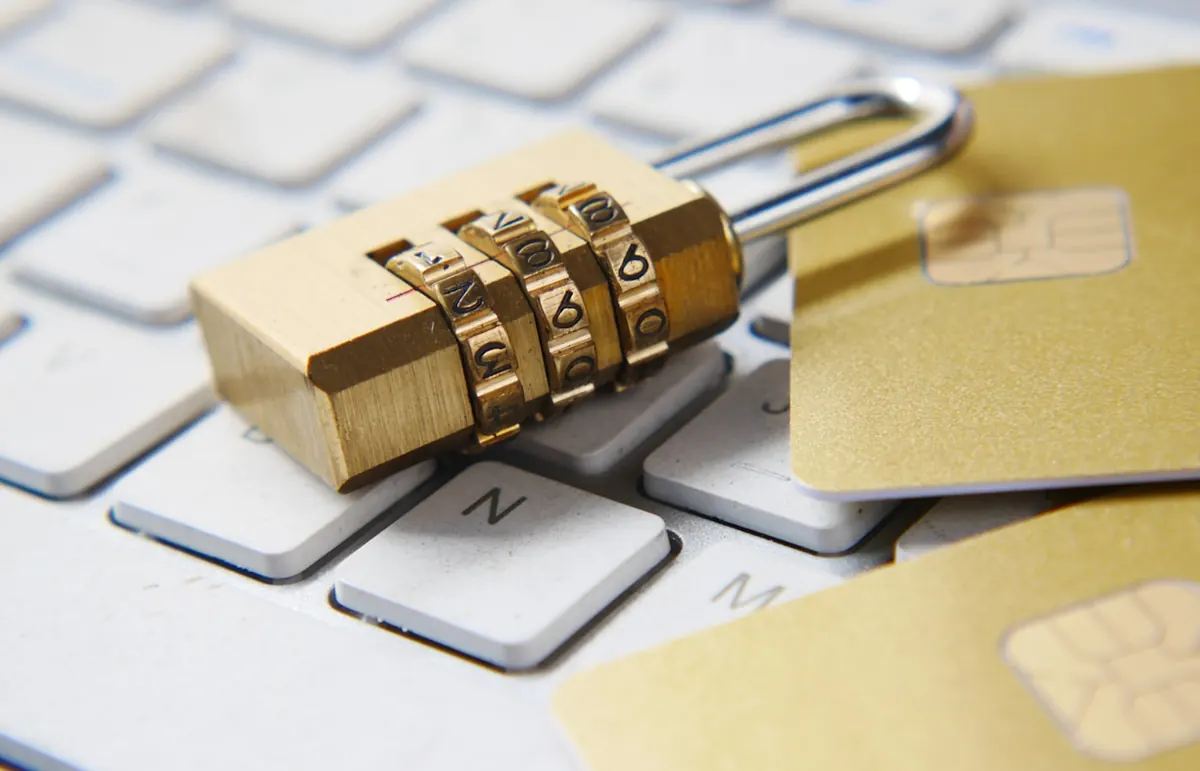
A strong password is one of the simplest ways to protect your email, MoMo-linked accounts, WhatsApp Business, and banking apps in Ghana. Weak passwords are still how many people lose access overnight—especially when the same short word is reused on every site.
What makes a password strong
Length matters more than clever symbols. Aim for at least 12–16 characters. Mix uppercase, lowercase, numbers, and symbols if the site allows it, but do not rely on predictable patterns like Password123! or your birthday plus a shop name.
Avoid dictionary words on their own, football nicknames, church names, or phone numbers. Attackers try common Ghana-related words and sequential numbers first. A passphrase made of unrelated words is often stronger and easier to remember than a short jumble.
A practical way to create one
- Pick four or five unrelated words you can picture (mango, tin roof, lagoon, chalk).
- Join them with spaces or symbols if allowed:
mango!tin-roof#lagoon. - Add one number that is not your birth year.
- Change one letter only if you will still remember it.
- Confirm the site accepts the length before you lock yourself out.
If a site forces a short maximum, make the password as random as possible within that limit and enable two-factor authentication immediately.
How to remember passwords without sticky notes
- Password manager: Bitwarden, 1Password, or Google Password Manager store unique passwords; you memorize one master passphrase.
- Passphrase story: Visual stories stick better than random characters—keep them private.
- Low-risk pattern only: Never reuse patterns for email or banking.
Never store passwords in shared WhatsApp notes or an unlocked Notes app labelled “passwords.”
Accounts that must be unique
Prioritize unique passwords for primary email, banking and mobile money, Apple ID or Google account, business Instagram and Facebook Page, and school or government portals.
Two-factor authentication
Turn on 2FA wherever offered. Prefer an authenticator app over SMS when possible because of SIM-swap risk. Keep backup codes offline at home, not only on the same phone.
Common mistakes
- Shared laptop logins without separate profiles
- Banking passwords saved on a shop computer browser
- Same PIN for MoMo, phone lock, and ATM
- Sending passwords over WhatsApp “just for today”
- Ignoring breach alerts
After a scare
Change email first, then banking, then social. Sign out other devices. Review recovery phone numbers and secondary emails. Reset passwords stored on phones you sold without wiping.
Checklist
- 12+ characters, unique on important accounts
- Password manager backed up
- 2FA on email and money apps
- Recovery contacts verified
FAQ
Is a long passphrase better than a short complex password?
Usually yes—combine length with uniqueness.
Should I change passwords every 30 days?
Only after breach, loss, or suspicious login if passwords are strong and unique.
Are browser-saved passwords safe?
On a locked personal device with account 2FA, yes. On shared shop PCs, use a manager.
What about PINs?
Keep phone and MoMo PINs different; avoid 0000, 1234, and birth years.
This week: unique passwords for email and money apps, stored in a manager, with 2FA on.
Practical notes (1)
Revisit this checklist when your situation changes—new phone, new shop location, new season rules, or a fresh scam pattern. Save confirmations, teach one other person the recovery steps, and prefer official sources when instructions conflict with viral tips. Small weekly maintenance beats rare emergency cleanups for the topic covered in post 2146.
Practical notes (2)
Revisit this checklist when your situation changes—new phone, new shop location, new season rules, or a fresh scam pattern. Save confirmations, teach one other person the recovery steps, and prefer official sources when instructions conflict with viral tips. Small weekly maintenance beats rare emergency cleanups for the topic covered in post 2146.
Practical notes (3)
Revisit this checklist when your situation changes—new phone, new shop location, new season rules, or a fresh scam pattern. Save confirmations, teach one other person the recovery steps, and prefer official sources when instructions conflict with viral tips. Small weekly maintenance beats rare emergency cleanups for the topic covered in post 2146.
Practical notes (4)
Revisit this checklist when your situation changes—new phone, new shop location, new season rules, or a fresh scam pattern. Save confirmations, teach one other person the recovery steps, and prefer official sources when instructions conflict with viral tips. Small weekly maintenance beats rare emergency cleanups for the topic covered in post 2146.
Practical notes (5)
Revisit this checklist when your situation changes—new phone, new shop location, new season rules, or a fresh scam pattern. Save confirmations, teach one other person the recovery steps, and prefer official sources when instructions conflict with viral tips. Small weekly maintenance beats rare emergency cleanups for the topic covered in post 2146.
Practical notes (6)
Revisit this checklist when your situation changes—new phone, new shop location, new season rules, or a fresh scam pattern. Save confirmations, teach one other person the recovery steps, and prefer official sources when instructions conflict with viral tips. Small weekly maintenance beats rare emergency cleanups for the topic covered in post 2146.
Practical notes (7)
Revisit this checklist when your situation changes—new phone, new shop location, new season rules, or a fresh scam pattern. Save confirmations, teach one other person the recovery steps, and prefer official sources when instructions conflict with viral tips. Small weekly maintenance beats rare emergency cleanups for the topic covered in post 2146.
Practical notes (8)
Revisit this checklist when your situation changes—new phone, new shop location, new season rules, or a fresh scam pattern. Save confirmations, teach one other person the recovery steps, and prefer official sources when instructions conflict with viral tips. Small weekly maintenance beats rare emergency cleanups for the topic covered in post 2146.
Disclaimer
Sengideons.com does not host any files on its servers. All point to content hosted on third-party websites. Sengideons.com does not accept responsibility for content hosted on third-party websites and does not have any involvement in the same.