If your password is your name + birth year, you’re not alone — and you’re easy to breach.
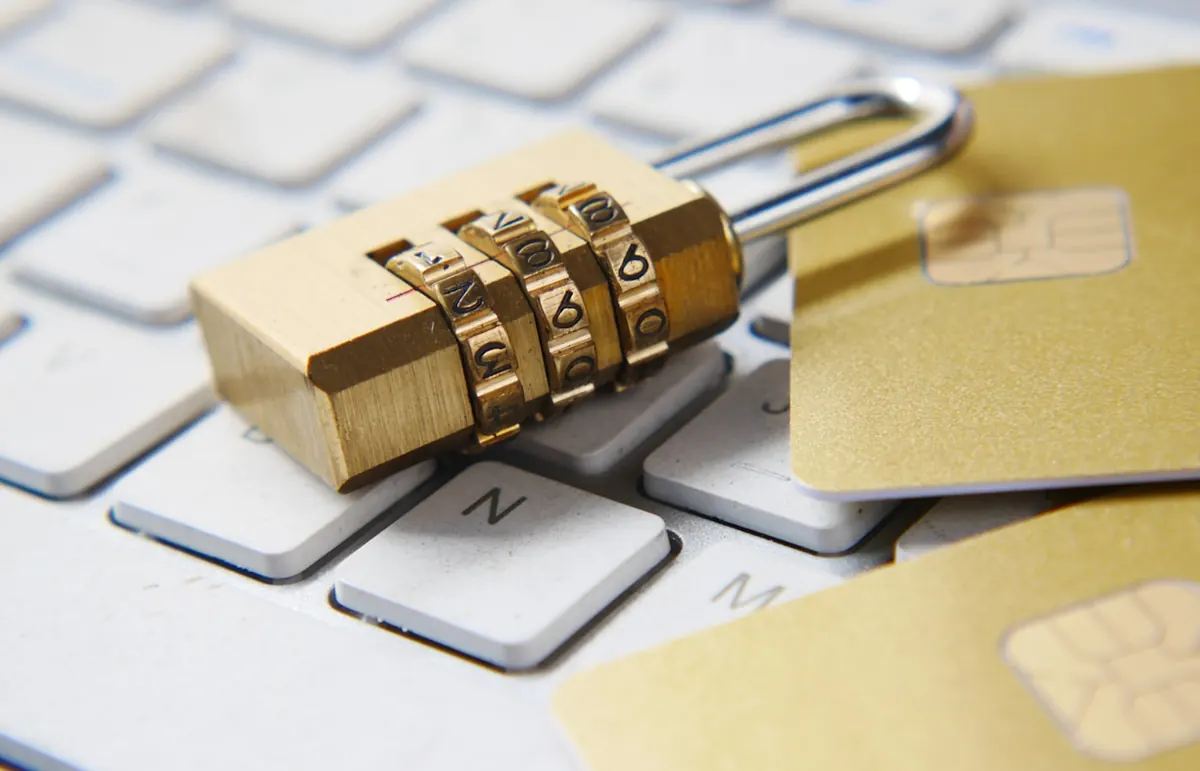
This guide covers strong password habits, passphrases, two-factor authentication, and what to do after a leak. Practical security — not paranoia.
What Makes a Password Weak?
password,123456,qwerty- Your name + year
- Same password on email + MoMo + Instagram
- Passwords saved in random WhatsApp notes to strangers
Attackers use leaked lists and guessing tools — not movie-style “hacking.”
How to Create a Strong Password
Option A: Passphrase (Easiest to Remember)
Combine 4+ unrelated words + a number/symbol:
Example style: river-mango-stadium-27!
(Make your own — don’t copy examples.)
Option B: Long Random Password + Manager
Use a password manager to generate and store unique passwords for each site.
Rules of Thumb
- Longer beats ultra-complex short strings
- Unique per important account (email, banking, Apple/Google)
- Never reuse the email password elsewhere
Strong Password — Quick Checklist
| Habit | Why |
|---|---|
| Unique email password | Email resets everything else |
| 2FA on email/bank | Stops many takeovers |
| Password manager | Remembers what you can’t |
| No OTP sharing | Blocks social engineering |
Turn On Two-Factor Authentication (2FA)
For Gmail, Apple ID, Facebook, Instagram, and banking apps:
- Open security settings
- Enable 2FA / 2-step verification
- Prefer authenticator app codes when possible
- Store backup codes offline
SMS 2FA is better than nothing; authenticator apps are usually stronger.
What If You Reused Passwords?
- Change email password first
- Change banking / MoMo app credentials
- Change social logins
- Review account recovery phones/emails
- Watch for login alerts
FAQ
Should I change passwords every month?
Better: change after breaches and never reuse. Forced monthly changes often create weaker patterns.
Are browser-saved passwords safe?
Convenient on a locked personal phone; risky on shared café computers. Prefer a reputable manager for important accounts.
Is fingerprint enough?
Biometrics unlock the device — you still need strong account passwords + 2FA.
Sources / Verify With
- Google / Apple account security help pages
- Your bank’s official security recommendations
This article is original editorial for Sen Gideons News Studio. Security features vary by app.
Disclaimer
Sengideons.com does not host any files on its servers. All point to content hosted on third-party websites. Sengideons.com does not accept responsibility for content hosted on third-party websites and does not have any involvement in the same.