Google Drive helps Ghana students and workers store files off their phones, share with classmates, and free local storage — if you organise folders and watch mobile data uploads.
Core tips
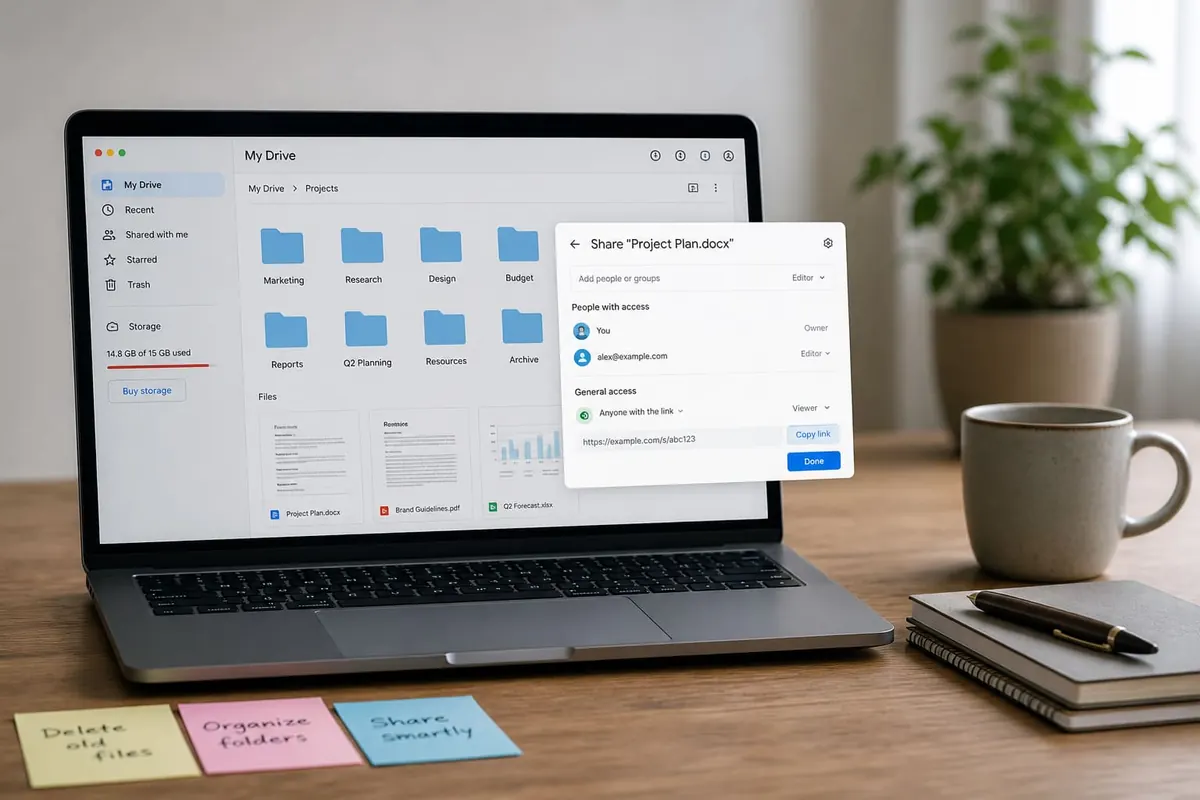
- Create folders by school/work client — not one chaotic dump
- Name files clearly: Course_Assignment1_Ama.pdf
- Upload on Wi‑Fi; pause backup on mobile data
- Use shared drives/folders with correct permissions (view vs edit)
- Empty trash periodically — it still counts toward quota
Freeing phone space
- Back up photos selectively.
- Confirm files open from Drive.
- Then delete local copies you truly mirrored.
- Pair with Android storage hygiene — cache/storage and backups.
Sharing safely
- Avoid “anyone with the link can edit” for sensitive docs
- Revoke access when group projects end
- Do not store password lists in open Docs
FAQ
Is free 15GB enough?
For documents yes; for years of 4K video no — clean often.
Drive vs WhatsApp Document folder?
Drive is better organised long-term.
What if I lose Google access?
Keep recovery options and 2FA backups — password hygiene.
Use Google Drive with named folders, Wi‑Fi uploads, and careful sharing permissions. It frees phone space only after you verify the cloud copies open.
Disclaimer
Sengideons.com does not host any files on its servers. All point to content hosted on third-party websites. Sengideons.com does not accept responsibility for content hosted on third-party websites and does not have any involvement in the same.