
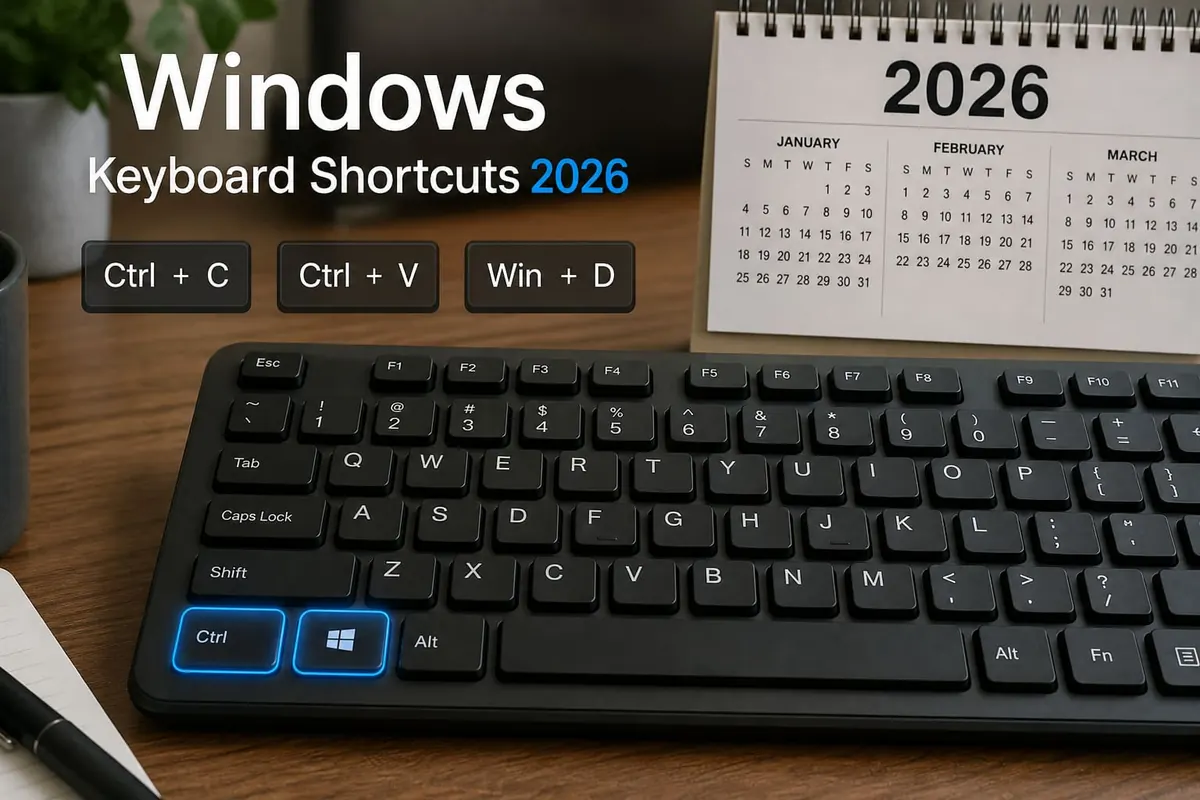
Learning a handful of Windows keyboard shortcuts saves more time than most “productivity apps.”
Memorise these first.
Work the steps in order. Most “dead phone” stories in Ghana start with a skipped backup or a roadside flash.
Everyday Essentials
| Shortcut | What it does |
|---|---|
Ctrl + C / Ctrl + V / Ctrl + X | Copy / Paste / Cut |
Ctrl + Z / Ctrl + Y | Undo / Redo |
Ctrl + A | Select all |
Ctrl + S | Save |
Alt + Tab | Switch apps |
Win + D | Show desktop |
Win + L | Lock PC (do this in cyber cafés) |
Alt + F4 | Close current window |
Screenshots & Clipboard
| Shortcut | What it does |
|---|---|
Win + Shift + S | Snipping tool (best) |
PrtSc | Full screen to clipboard |
Win + V | Clipboard history (enable once) |
Power User Shortcuts
| Shortcut | What it does |
|---|---|
Ctrl + Shift + Esc | Task Manager |
Win + I | Settings |
Win + E | File Explorer |
Win + Arrow keys | Snap windows left/right |
Win + Ctrl + D | New virtual desktop |
Win + Ctrl + Left/Right | Switch desktops |
Win + . | Emoji panel |
File Explorer Speed
Ctrl + N— new Explorer windowAlt + Up— go up one folderF2— rename fileShift + Delete— delete permanently (careful)
Windows Shortcuts — FAQ
Do these work on Windows 10 and 11?
Most do. A few (like widgets) are Windows 11–specific.
What about Mac users?
Mac uses Cmd instead of Ctrl for many of the same ideas.
Can I remake shortcuts?
Yes — PowerToys (Microsoft) lets power users remap keys.
Sources / Verify With
- Microsoft Windows keyboard shortcuts list
If nothing works
Do not factory-reset first. Back the phone or PC up and write down the Google or Microsoft account. Hardware faults (charge port, digitizer, keyboard) belong in an authorised shop. Roadside “IMEI repair” and random flashing usually make the device worse.
Do this in order
Start with Ctrl + N — new Explorer window, then Alt + Up — go up one folder. Skipping ahead to a factory reset wipes WhatsApp, photos, and school files you cannot get back from a Kantamanto stall.
If only one app misbehaves, stay inside that app’s settings. If many apps fail after a cheap charger, heat, or a “cleaner” APK, treat it as a system problem. Back up first. Authorised service beats roadside flashing.
If you only remember three things from this page, make them Ctrl + N — new Explorer window, Alt + Up — go up one folder, and F2 — rename file. Write them on your phone before you factory-reset.
Extra checks
Will a “phone doctor” kiosk fix it faster?
Sometimes for a charge port. Often they flash unofficial software and you lose the Google account. Try Ctrl + N — new Explorer window first. Back up before anyone wipes the device.
Safe to install a random APK that “repairs” this?
No. If Play Store cannot install it, that is a signal. Sideload only when you trust the file, and never from a WhatsApp blast.
Related reading
- iPhone vs Android in Ghana: Which Should You Buy in 2026?
- Mechanical vs Membrane Keyboard: Which Should You Buy?
- Best Bluetooth Speakers in Ghana 2026: What to Buy
- Best Free AI Tools in 2026 (ChatGPT Alternatives Worth Using)
Original Sen Gideons News Studio editorial. Not legal advice.
Disclaimer
Sengideons.com does not host any files on its servers. All point to content hosted on third-party websites. Sengideons.com does not accept responsibility for content hosted on third-party websites and does not have any involvement in the same.












