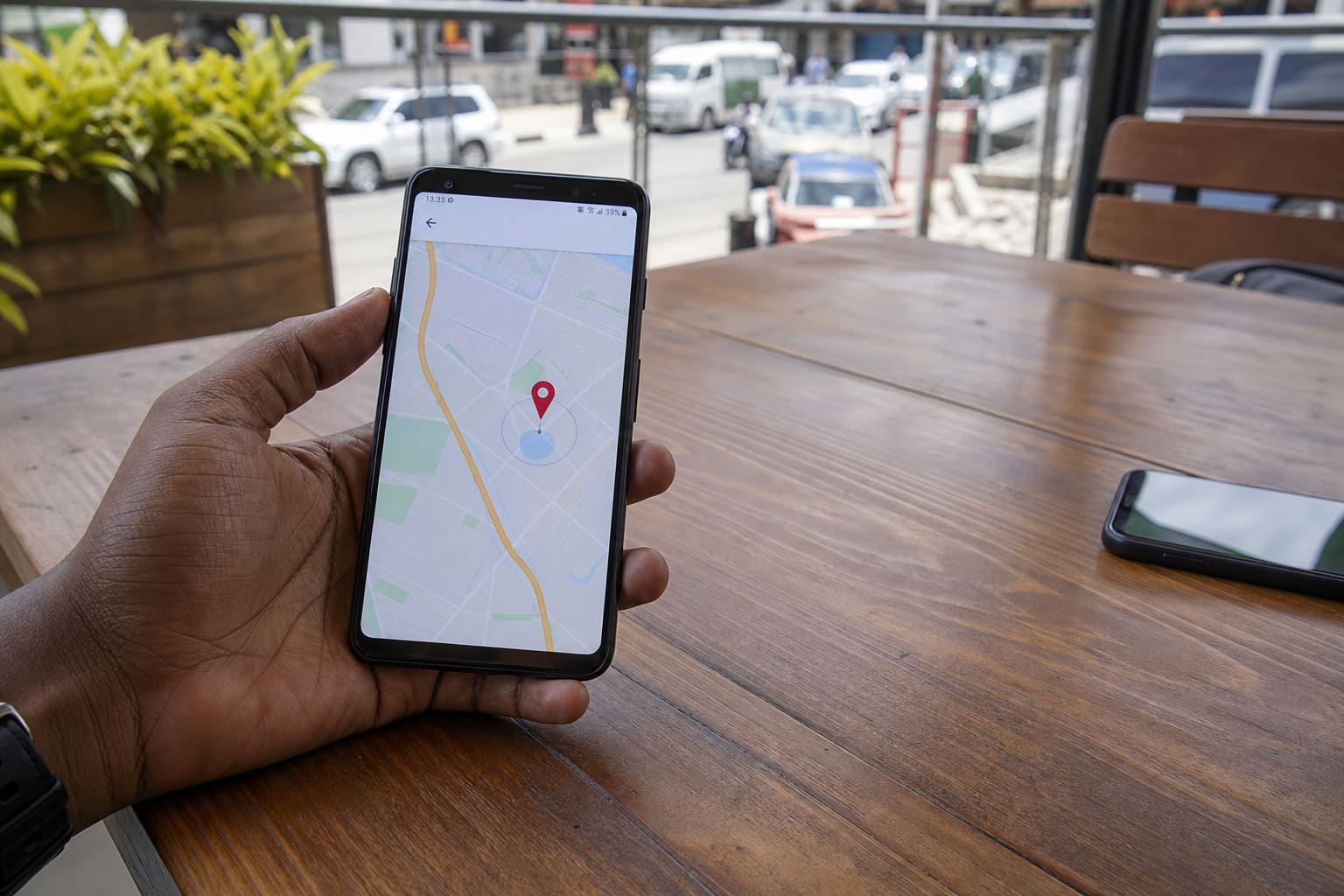
Find My Device only helps if it was set up before the phone vanished.
Before You Lose It (Do This Now)
- Stay signed into Google on the phone
- Enable Find My Device in Google settings
- Allow location permission
- Know your Google password + 2FA
When the Phone Is Missing
- On another device, open Google’s Find My Device (web or app)
- Sign in with the same Google account
- Choose the lost phone
- Play sound if nearby
- Secure device (lock + message) if stolen
- As a last resort, factory reset remotely (erases data — use carefully)
If It Shows Offline
- Wait — it may check in when it finds network
- Check Google account activity for clues
- Call your number; ask network operator about SIM processes
- Report theft with IMEI where appropriate
FAQ
Does it work without mobile data?
Needs network. Wi‑Fi or data must connect at least briefly.
Samsung Find / Xiaomi Find?
Brand tools can help too — Google Find My Device is the cross-brand baseline.
Sources / Verify With
- Google Find My Device help
- Police report guidance for theft in your area
Original Sen Gideons News Studio editorial. Not legal advice.