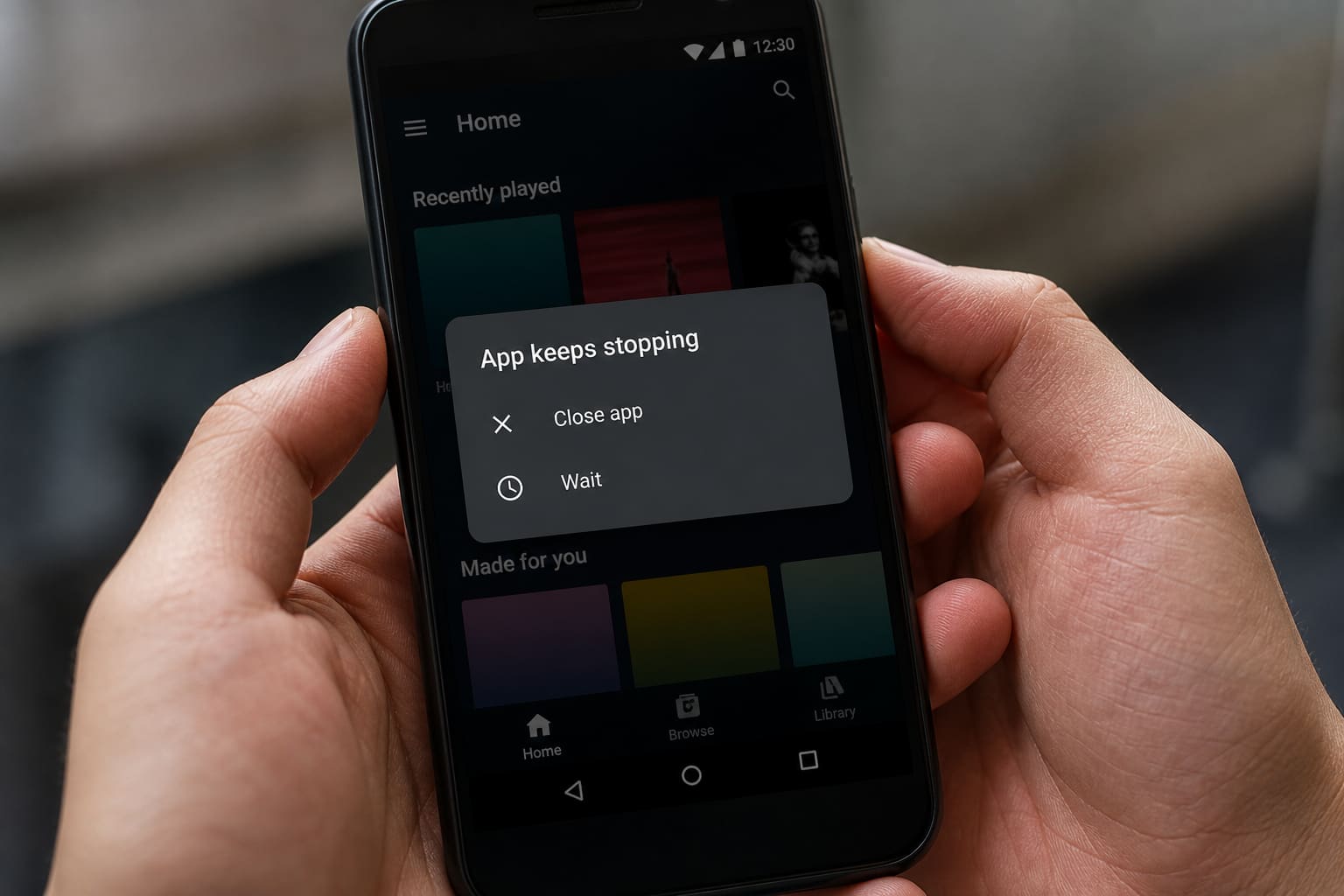
One app crashing is usually that app. Everything crashing points to storage, RAM, or a bad update.
Fix One App
- Update it in Play Store
- Force stop → Clear cache
- Reboot
- Clear storage/data (logs you out)
- Uninstall → reinstall
Fix Many Apps
| Cause | Action |
|---|---|
| Storage full | Free space (cache guide) |
| After OS update | Wait, reboot, update apps |
| Bad overlay / cleaner | Uninstall recent shady apps; try Safe Mode |
| Overheating | Cool down (overheating guide) |
FAQ
Play Services crashing?
Clear cache for Google Play Services; check Play Store fixes.
Only after installing a mod APK?
Remove it — see sideload safety.
Sources / Verify With
- App-specific support pages
- Android Safe Mode help
Original Sen Gideons News Studio editorial.