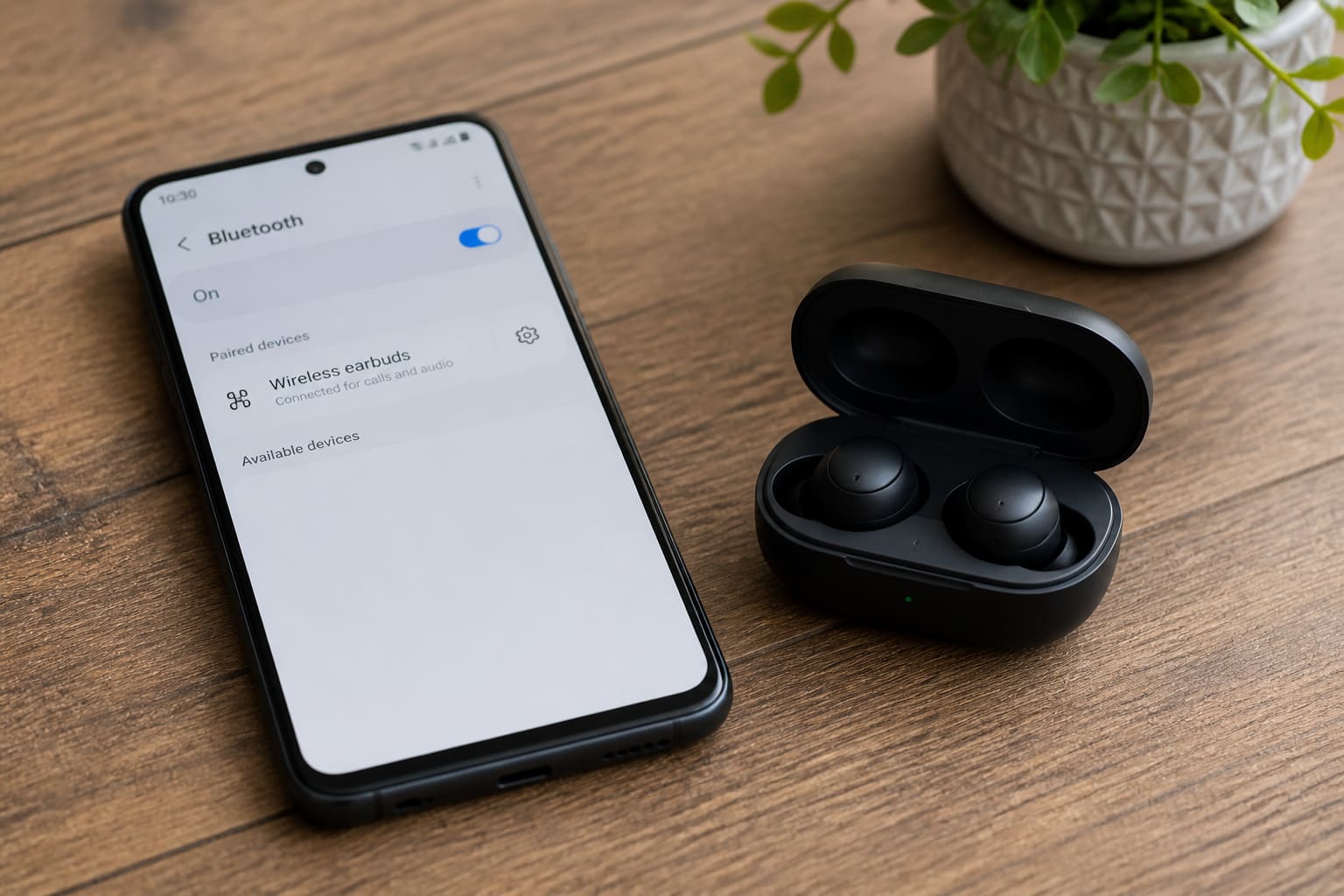
Bluetooth that pairs once then flakes is usually optimisation or interference — not “dead buds” yet.
Fix Checklist
- Forget the earbuds → re-pair
- Charge both phone and buds
- Disable battery optimisation for Bluetooth / related services if listed
- Turn off Wi‑Fi briefly to test interference
- Reset earbuds (model-specific)
- Forget other unused Bluetooth devices
- Update Android system software
Related: Bluetooth headphones not connecting.
Ghana Daily Use Tips
- Keep the phone out of deep back pockets while listening
- Cheap USB-C hubs and power banks nearby can add noise
- Test with another phone to isolate buds vs Android
FAQ
Only during calls?
Headset profile (HFP) bugs differ from media profile — try another app / toggle VoLTE sometimes helps.
Car Bluetooth drops?
Car head units are often the weak link — phone OS update + head-unit reboot.
Sources / Verify With
- Earbud reset guide from the manufacturer
- Android Bluetooth help
Original Sen Gideons News Studio editorial.