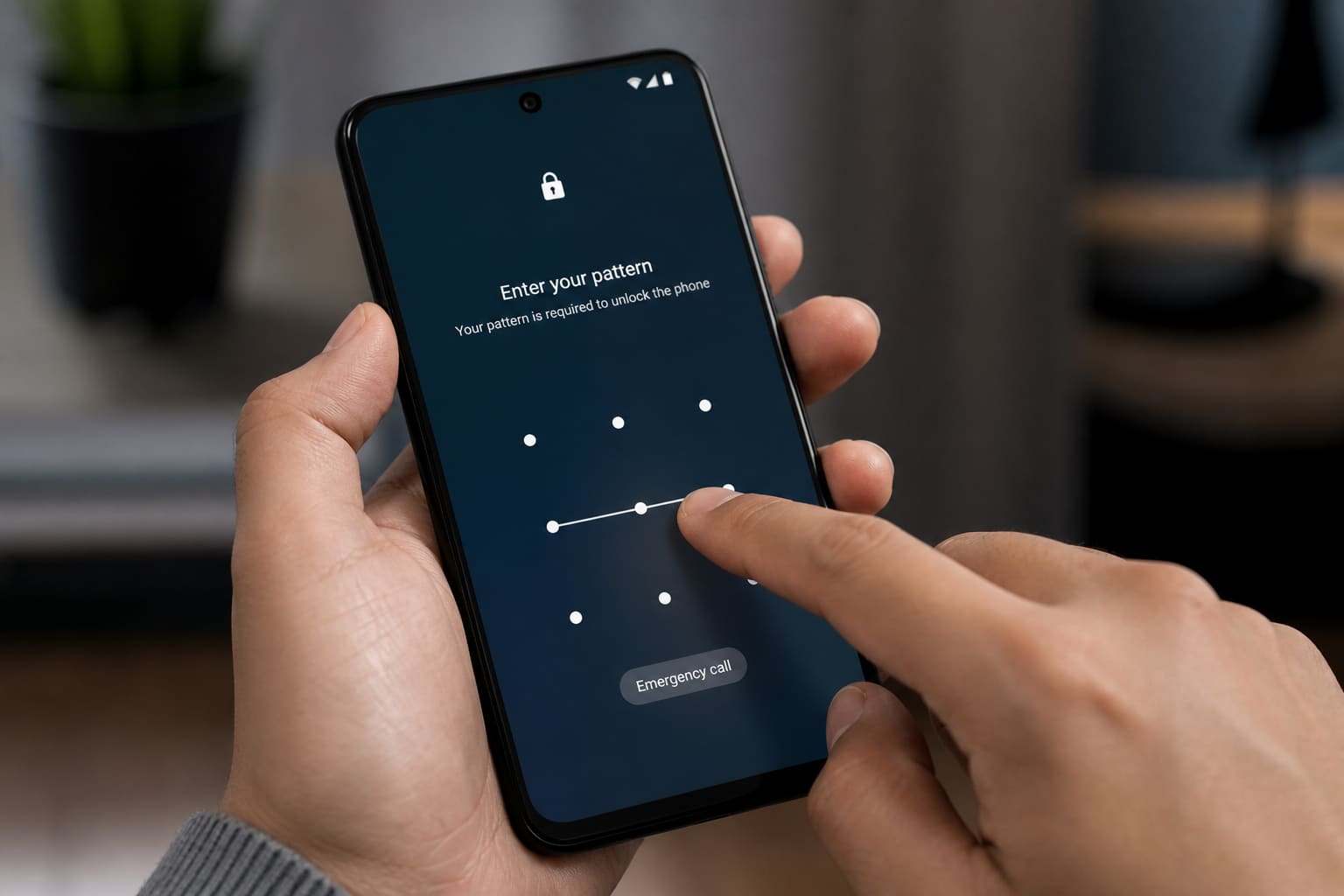
Most Android “hacks” are weak PINs, shady APKs, and stolen unlocked phones. Tighten the basics.
Lock Screen
- Use PIN/password — avoid
0000/ birth years - Add fingerprint/face as convenience, not the only factor
- Shorter screen timeout in public
Permissions Hygiene
- Settings → Apps → special app access / permissions
- Deny microphone/camera/location for apps that don’t need them
- Revoke Accessibility access from random cleaners
Google Protections
- Play Protect on
- Find My Device on (guide)
- 2FA on your Google account
Theft Reality
- Don’t leave the phone unlocked on a shop counter
- MoMo / banking apps: app lock if available
- Know your IMEI
FAQ
Antivirus app required?
Play Protect + careful installs beat five overlapping antivirus apps.
Secure Folder / Private Space?
Great for sensitive photos/apps on supported skins — set it up before you need it.
Sources / Verify With
- Google Android Security help
- Your OEM’s Secure Folder / Privacy docs
Original Sen Gideons News Studio editorial.