
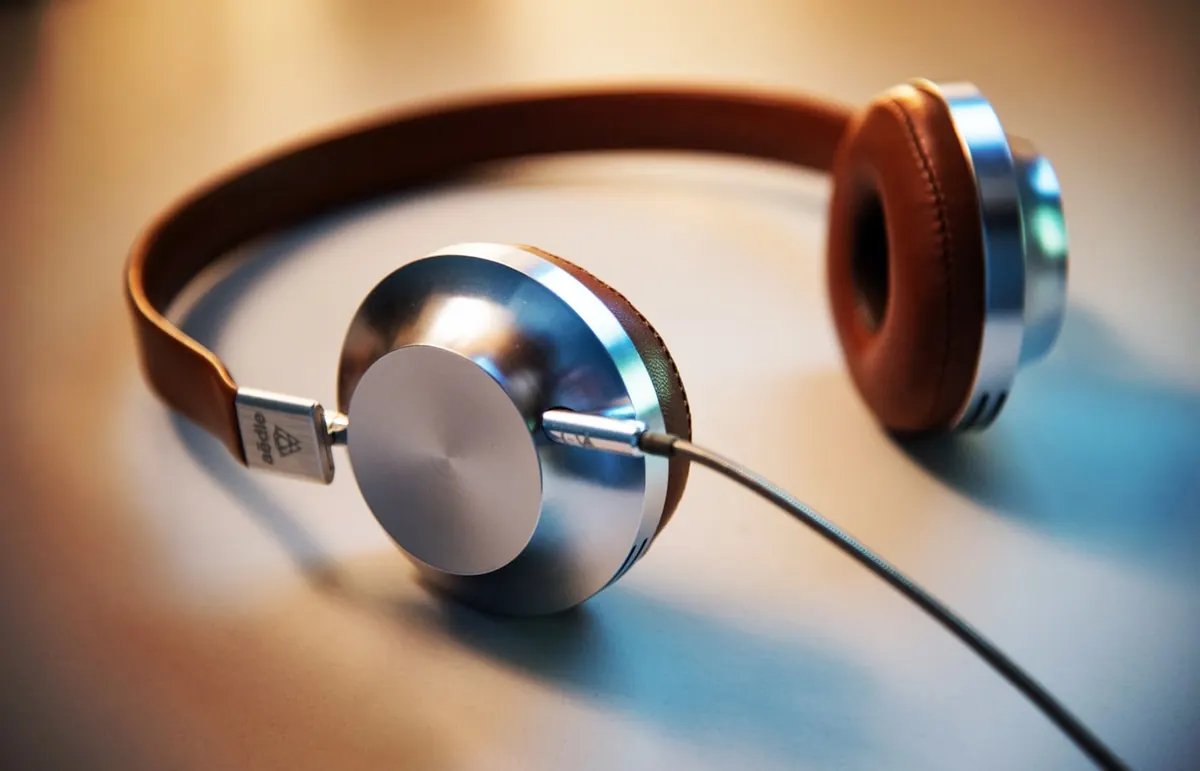
Bluetooth headphones that won’t connect are usually pairing mode, cache, or interference problems — not dead hardware on the first try.
Phone fixes
- Put headphones in pairing mode (LED cues vary).
- Phone Settings → Bluetooth → ignore/forget the device → re-pair.
- Toggle Airplane mode on/off.
- Restart phone and headphones.
- Ensure another device isn’t still connected.
Laptop (Windows) fixes
- Quick Settings → Bluetooth on
- Remove device → add again
- Update Bluetooth drivers via Windows Update / laptop maker
- USB Bluetooth dongles: try another port
- Disable audio enhancements temporarily
Interference and range
- Move away from crowded 2.4 GHz routers/microwaves.
- Stay within a few metres with fewer walls.
- Charge the headphones — low battery causes flaky pairing.
Buying context
If you’re replacing gear, see earbuds under GH₵500. For phone notification noise while listening, use notification controls.
FAQ
Only one earbud connects?
Reset the case/buds per manual; re-pair as a set.
Works on phone not laptop?
Codec/driver differences — update laptop Bluetooth.
Mic not working on calls?
Check which playback device Windows selected.
Forget/re-pair, restart, clear competing connections, then update drivers. Most Bluetooth drama ends before you buy new headphones.
Disclaimer
Sengideons.com does not host any files on its servers. All point to content hosted on third-party websites. Sengideons.com does not accept responsibility for content hosted on third-party websites and does not have any involvement in the same.












