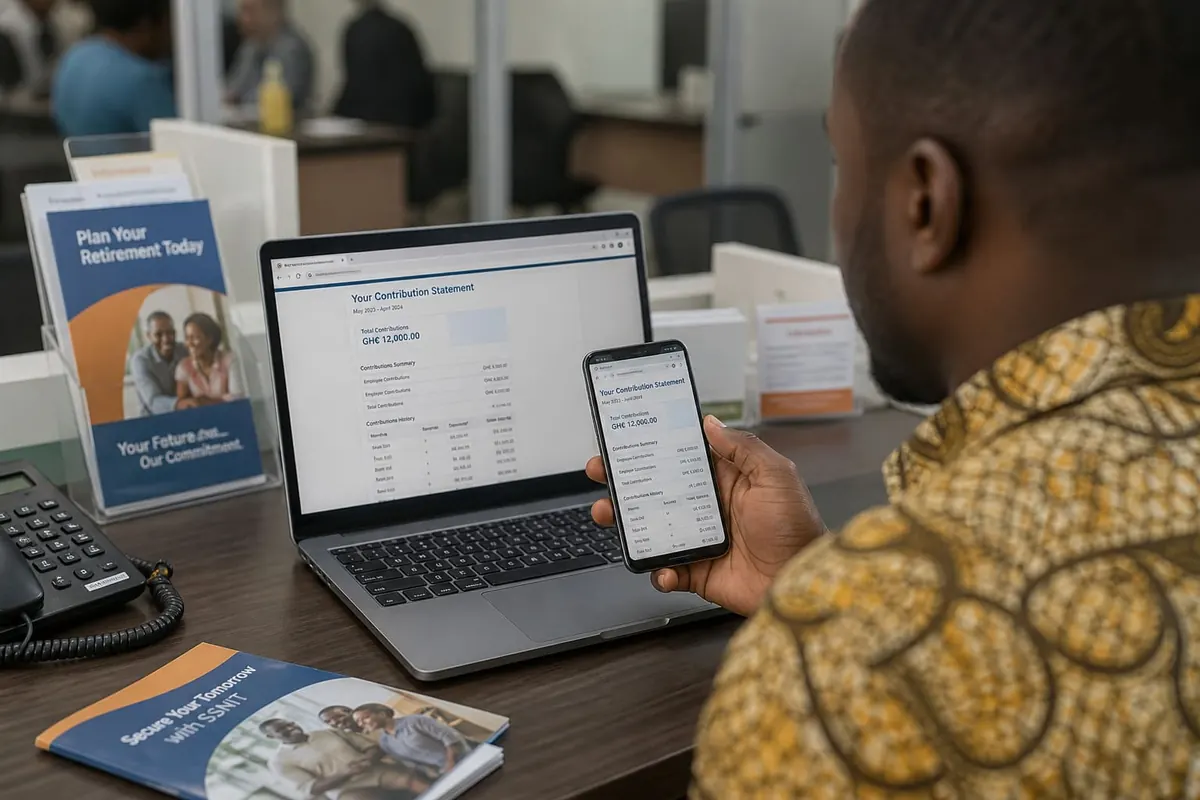
Checking your SSNIT statement in Ghana helps you confirm contributions, catch employer gaps early, and plan for tier benefits. The process is increasingly digital, but you still need correct membership details and patience when portals are busy.
Why your SSNIT statement matters
- Confirms that your employer actually remitted contributions
- Helps you spot missing months before they become a retirement headache
- Supports loan, visa, and employment processes that ask for contribution proof
- Gives you a clearer picture of your membership history
What you typically need
- Your SSNIT number / membership details
- Ghana Card or other ID the channel requests
- Phone number or email tied to your member profile for OTP where enabled
- For in-person visits: patience and any employer letters if you are resolving gaps
Common ways members check
- Official SSNIT digital channels — member portal / app options published by SSNIT for that period
- USSD or short-code services if SSNIT is advertising an active code for balances/statements (confirm on SSNIT’s own channels — codes change)
- Branch visit — useful when digital access fails or you need gap resolution
Only use links and codes announced by SSNIT. Fake “SSNIT checker” sites that ask for full banking passwords are scams.
How to read the statement
Look for employer names, contribution months, and amounts. If you changed jobs, you should see multiple employers across time. Missing months during formal employment are a red flag — raise them with HR and SSNIT with payslips as evidence.
Fixing contribution gaps
- Collect payslips and appointment letters for the missing period.
- Ask your employer’s payroll / HR to confirm remittance.
- Visit SSNIT with documentation if the employer cannot resolve it.
- Keep copies of every complaint / update ticket.
Self-employed and informal workers
If you contribute as a self-employed member, confirm that your own payments posted. Do not assume MoMo success screens equal SSNIT posting until the statement shows it.
Privacy and scam alerts
- Never send your SSNIT number + Ghana Card images + bank OTP to a WhatsApp “officer.”
- SSNIT will not ask you to pay random individuals to “fast-track” a statement.
- Download or photograph your statement and store it securely.
FAQ
How often should I check?
At least a few times a year, and whenever you change jobs or see odd deductions on your payslip.
Is PAYE the same as SSNIT?
No. PAYE is income tax via GRA; SSNIT is pensions contributions. See also our PAYE explained overview for payslip context.
Can I check for a relative?
Usually only with proper authorisation; branches will not casually release another adult’s full history.
Make SSNIT statement checks a habit: use official channels, compare contributions to your work history, and fix gaps while employers and documents are still available — not decades later at claim time.
Disclaimer
Sengideons.com does not host any files on its servers. All point to content hosted on third-party websites. Sengideons.com does not accept responsibility for content hosted on third-party websites and does not have any involvement in the same.