
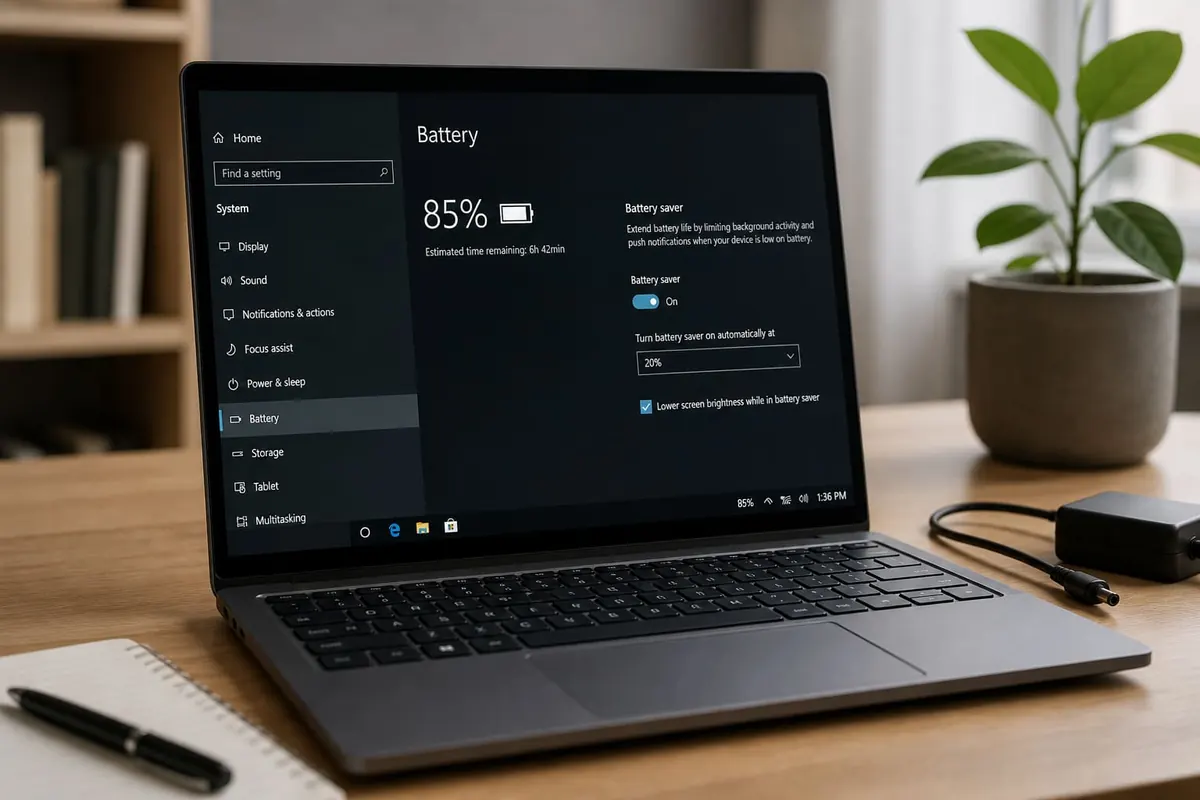
Laptop battery life in Ghana is a heat + brightness + background-app problem as much as an age problem. Use these practical habits before you buy a replacement battery.
Settings that save the most
- Lower screen brightness; shorten display timeout.
- Use Battery saver / Recommended power mode on Windows.
- Turn off keyboard RGB if you don’t need it.
- Disable Bluetooth/Wi‑Fi when unused (especially in meetings with a cable).
- Close Chrome tab farms — browsers are silent drains.
Heat is the enemy
- Don’t block vents on beds/sofas
- Clean dust from intake fans periodically
- Avoid direct sun on Accra midday desks
- If the chassis is painful to touch, expect throttling and faster drain
Windows health checks
Settings → System → Power & battery to see which apps drain power. Task Manager finds runaway processes. If the laptop is also slow, combine with speed-up steps.
Charging habits (without myths)
- It’s fine to top up; modern lithium batteries don’t need full drain cycles daily
- Avoid leaving a gaming laptop under heavy load at 100% heat for hours if you can undock
- Use the manufacturer charger rating when possible
- Swollen batteries = stop use and see a technician
Hardware upgrades
- SSD reduces grind time vs old HDDs (less time-on-battery for the same work).
- Battery replacement helps when capacity is genuinely degraded.
- More RAM can reduce disk thrashing that burns power.
FAQ
Should I always remove the battery on desktop use?
Most modern laptops have internal batteries — follow the maker’s guidance.
Is 100% charging bad?
Occasional full charges are normal; chronic heat is worse than a number.
Why did life drop suddenly?
New app, Windows update indexing, or failing cell — check per-app drain first.
Dim the screen, cut background apps, cool the machine, then consider battery replacement. Skip miracle “calibrator” tools from random sites.
Disclaimer
Sengideons.com does not host any files on its servers. All point to content hosted on third-party websites. Sengideons.com does not accept responsibility for content hosted on third-party websites and does not have any involvement in the same.












