Watch the full tutorial:
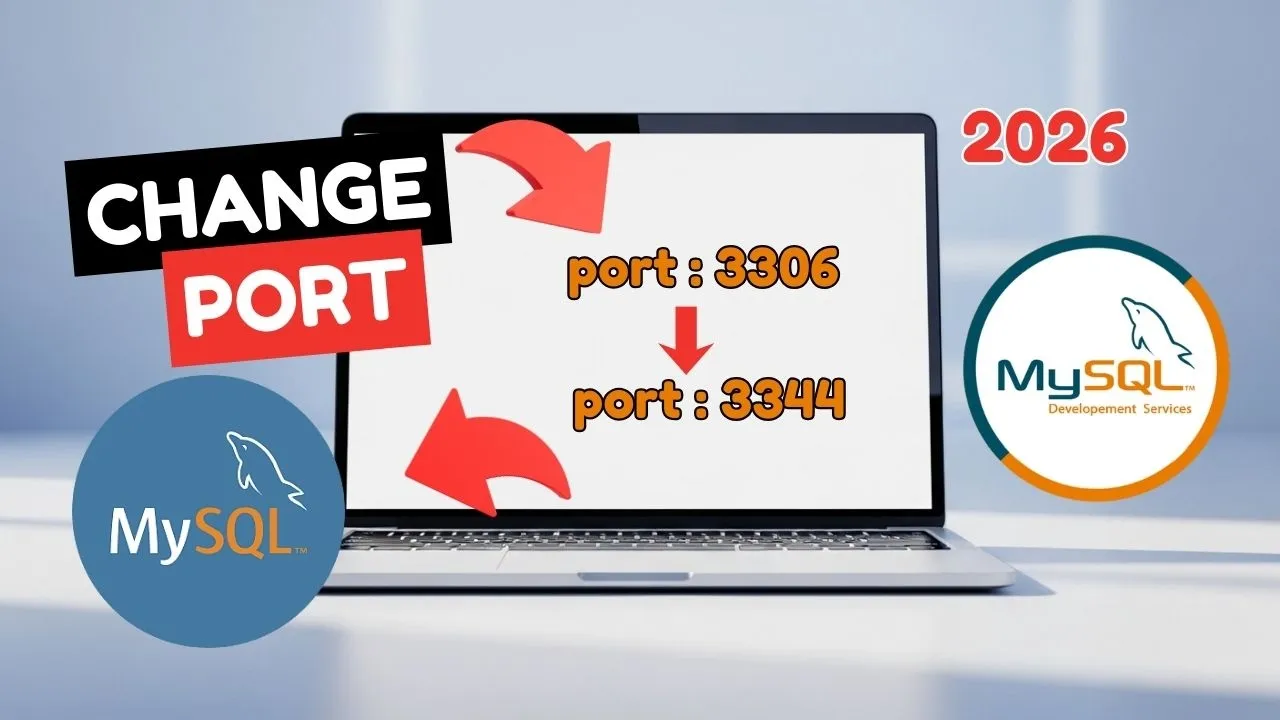
MySQL Server on Windows listens on port 3306. Change that when another database, usually XAMPP, needs 3306, or when you are standardizing on 3307. Workbench will not reconnect until its connection uses the same port.
This is the Windows service install, not the XAMPP copy of MySQL. XAMPP has its own my.ini under C:xamppmysqlbin, covered in the XAMPP port guide.
Stop MySQL before you edit
- Open the Start menu and search for Services.
- Find MySQL80.
- Right-click it and choose Stop.
Editing the file while the service is running can lose the change the next time the service writes config, and a running server will not pick up the new port until a restart anyway.
Open the hidden my.ini
- In File Explorer, open the View menu and turn on Hidden items.
ProgramDatadoes not show otherwise. - Go to
C:ProgramDataMySQLMySQL Server 8.0. - Right-click
my.iniand open it in Notepad. If Windows refuses to save later, the permissions tutorial next in this series is the fix: give your user Full control on that file, then come back. That permission step is in this same video.
Change both port lines
Search for 3306. Update the port in both sections:
[client]
port=3307

[mysqld]
port=3307
Save the file. Start MySQL80 again from Services.
Update Workbench
- Open MySQL Workbench.
- Right-click the local connection and choose Edit Connection.
- Change the port from 3306 to 3307.
- Close the dialog and connect with the root password.
From a terminal, you can also connect with an explicit port:
mysql -u root -p -P 3307The capital P is the port flag. A lowercase p means “ask for the password.”
Disclaimer
Sengideons.com does not host any files on its servers. All point to content hosted on third-party websites. Sengideons.com does not accept responsibility for content hosted on third-party websites and does not have any involvement in the same.