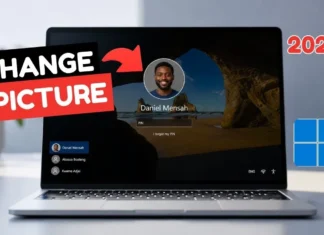
How to Change Your Windows Profile Picture (Windows 11 and 10)
Update the Windows 10 or 11 account photo from Your info, using a saved picture or the camera, then sign out so the lock screen refreshes.
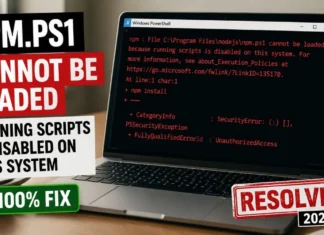
How to Fix “npm.ps1 Cannot Be Loaded” in PowerShell
Fix the PowerShell error npm.ps1 cannot be loaded by setting the current-user execution policy to RemoteSigned, then confirm npm with npm -v.
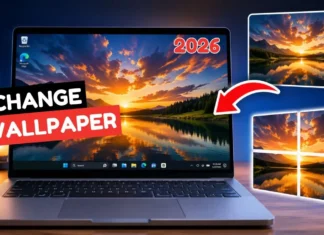
How to Change Your Desktop Background in Windows 10 and 11
Change your Windows 10 or 11 wallpaper from File Explorer or Personalization, and choose Fill so the photo covers the screen cleanly.
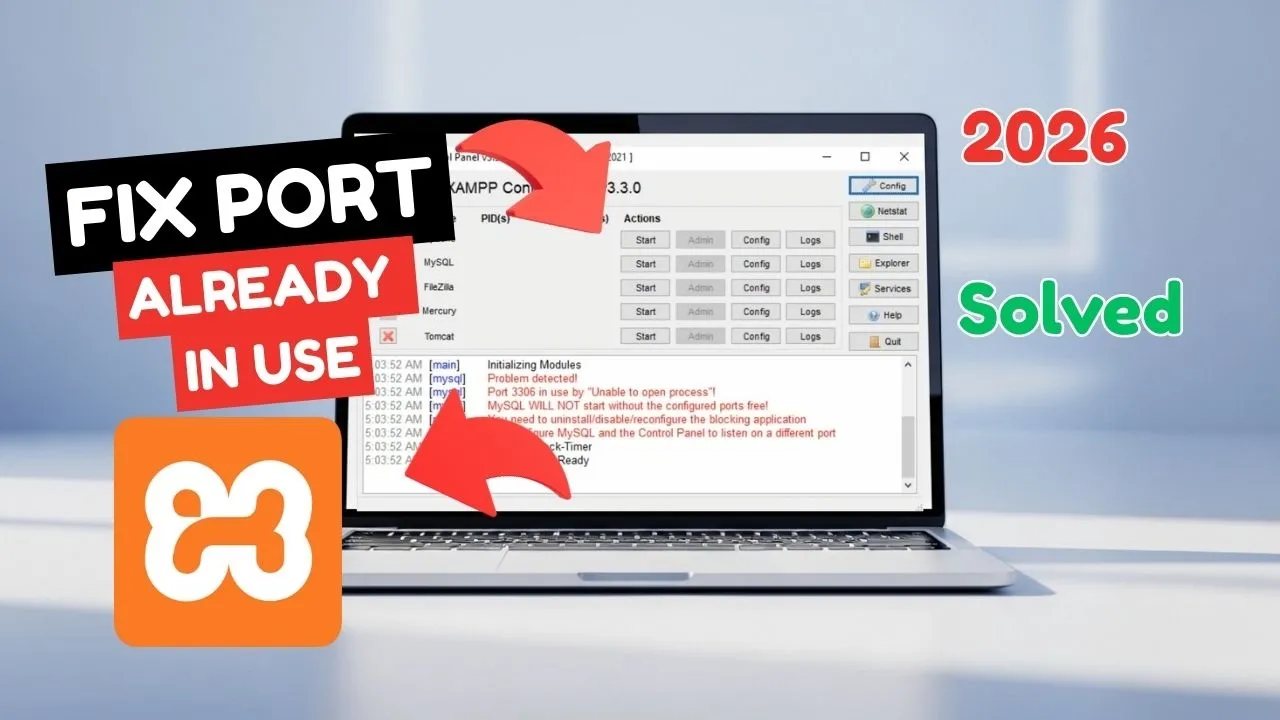
How to Fix XAMPP MySQL “Port 3306 in Use”
Move XAMPP MySQL from port 3306 to 3307 in Service and Port Settings and in both the client and mysqld sections of my.ini.
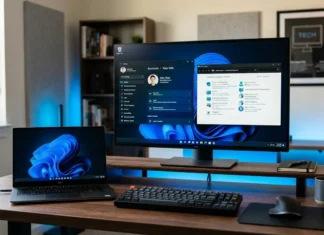
How to Change Windows Account Name & Profile Name (Windows 11/10)
Whether you inherited a PC, made a typo when setting up your computer, or simply want to personalize your device, updating your account name...

How can I return to the previous directory in windows command prompt?
Navigating through directories is a fundamental skill when working with the Windows Command Prompt. Whether you're a developer, system administrator, or just someone who...
Latest article

Two’s Complement Explained
Two's complement is how most computers store signed integers. Flip the bits of the positive number and add one to get the negative. See your course notes.

Stacks and Queues in CS
Stacks and queues restrict how you insert and remove. A stack is last in, first out. A queue is first in, first out. Both hide the storage behind those rules.
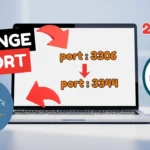
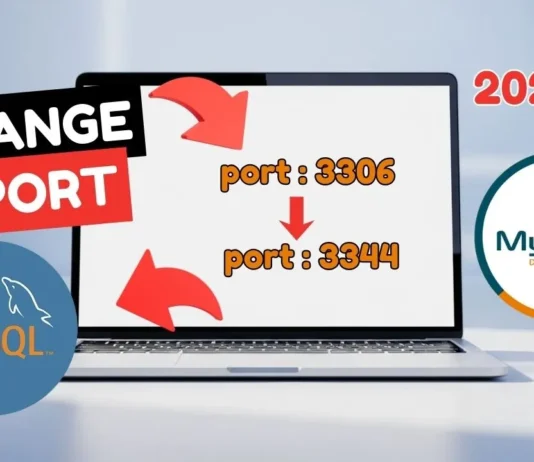
How to Change the MySQL Port on Windows and in Workbench
Stop the MySQL80 service, set port 3307 in the client and mysqld sections of my.ini, then point MySQL Workbench at the new port.