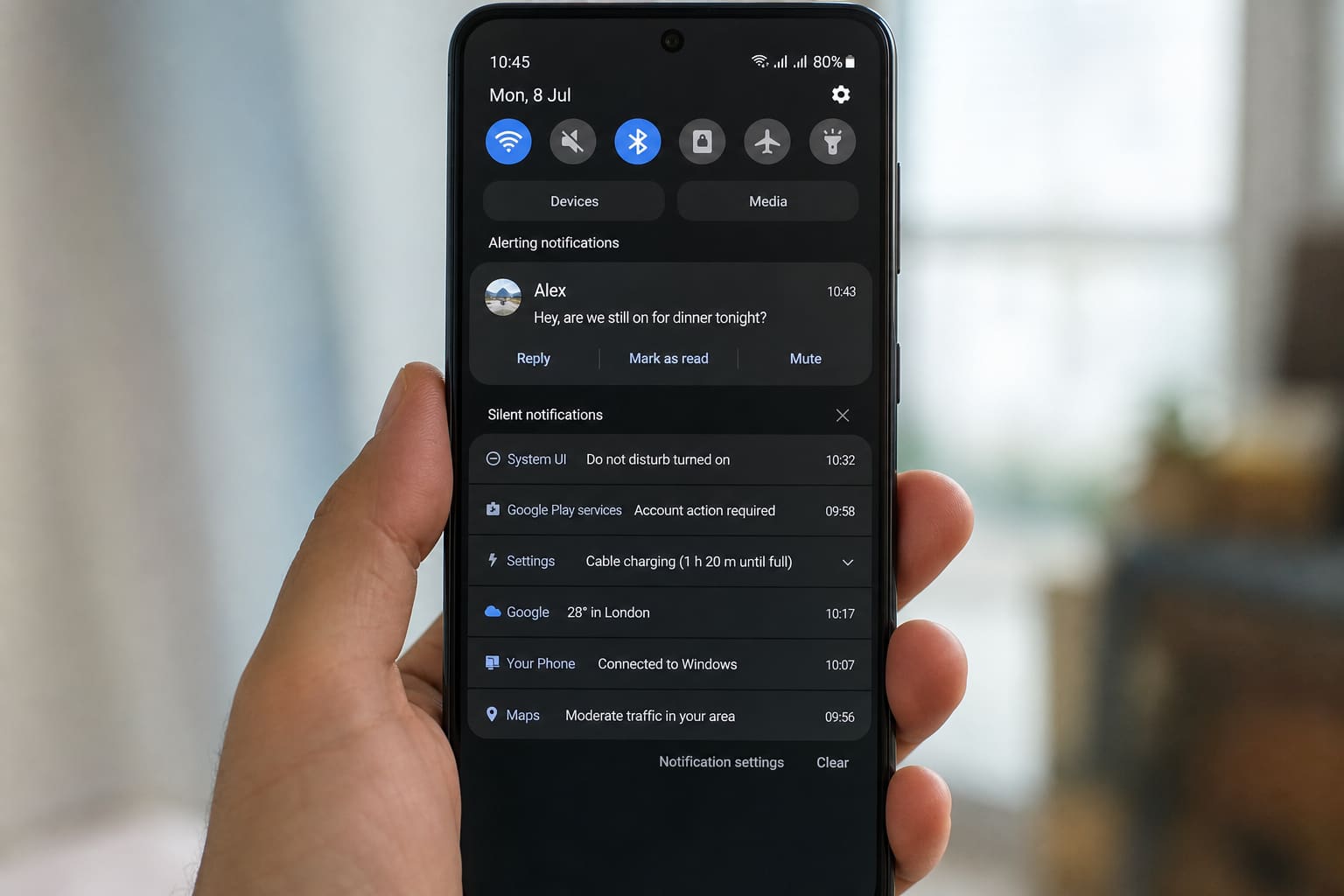
Android notifications are powerful — and chaotic. You can silence junk without muting WhatsApp.
Use Notification Channels
- Settings → Notifications → App notifications
- Open the noisy app
- Disable categories you don’t need (marketing, suggestions)
- Keep critical channels on (messages, payments)
Long-press a notification → options for that category on many phones.
OEM Promo / Lock-Screen Ads
Some Tecno/Infinix/other skins show tips or lock ads:
- Search Settings for lock screen / suggestions / HotLock style options
- Disable promotional content where listed
Paths vary by brand skin.
Digital Wellbeing / Focus
Use scheduled Do Not Disturb for sleep and lectures — allow starred contacts / WhatsApp if needed.
FAQ
WhatsApp still noisy?
Mute specific groups inside WhatsApp; don’t disable the whole app.
Delayed notifications?
Disable aggressive battery optimisation for messaging apps — see slow-phone habits in Why Android Is Slow.
Sources / Verify With
- Google Android notification settings help
- Your OEM’s notification documentation
Original Sen Gideons News Studio editorial.