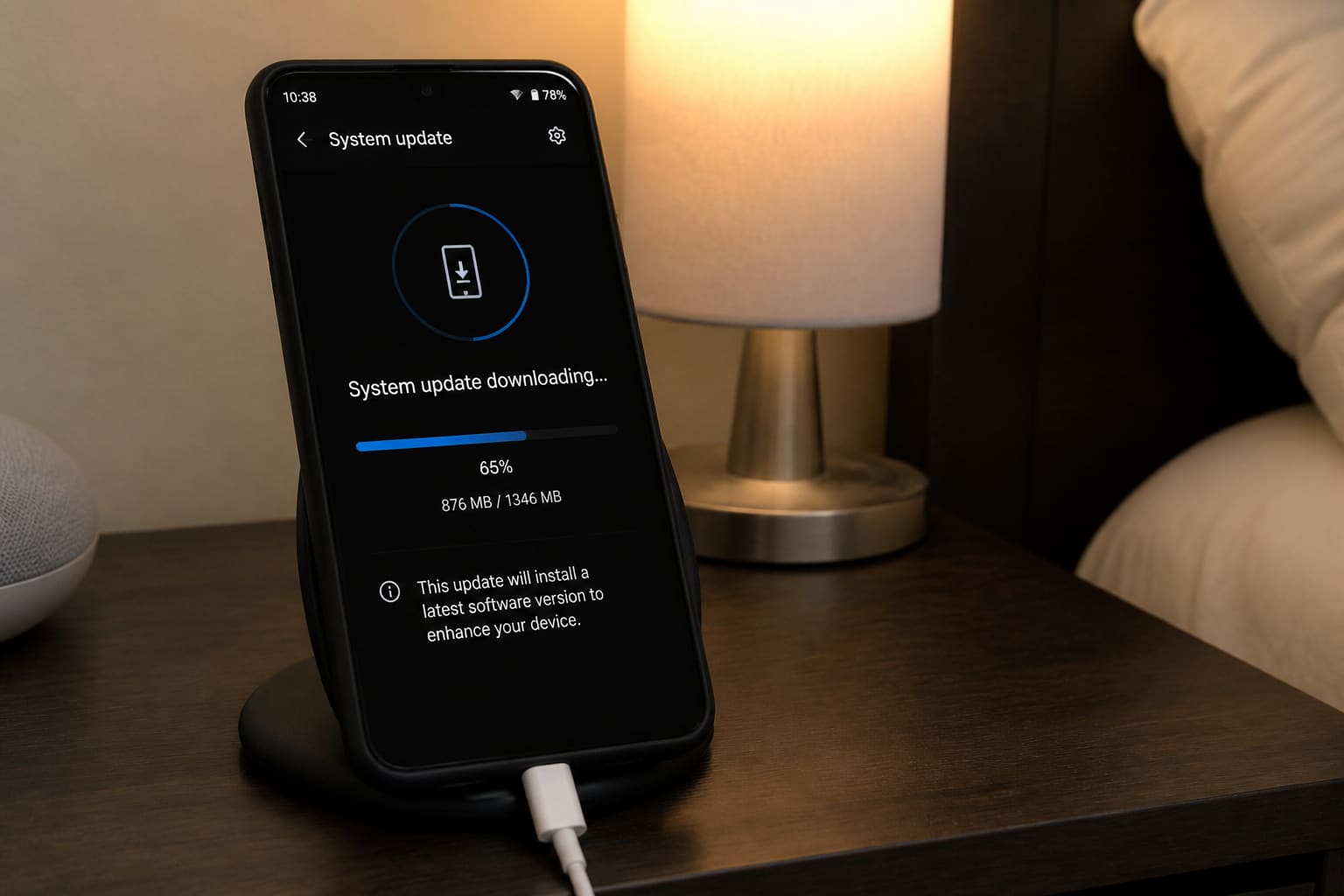
Android updates patch security holes and fix bugs. Skipping them for months is risky; updating mid-exam without a backup is also risky.
Before You Update
- Back up photos + WhatsApp (backup guide)
- Charge above 50% (plug in if possible)
- Use Wi‑Fi — OTAs are large
- Note important deadlines (don’t update 10 minutes before a timed exam app)
How to Check
Settings → System → System update / Software update
Also update apps in Play Store separately.
After Updating
- Reboot once more if things feel weird
- Re-check critical apps (banking, school)
- If something breaks, restart; avoid random “downgrade APK” tips
FAQ
Phone says up to date but feels old?
Budget brands stop major OS upgrades earlier — security patches still matter when offered.
Update failed / boot loop?
Try recovery options from your OEM; keep calm and use official tools. Related: Factory reset.
Sources / Verify With
- OEM security bulletin / update notes
- Google Android security updates overview
Original Sen Gideons News Studio editorial.