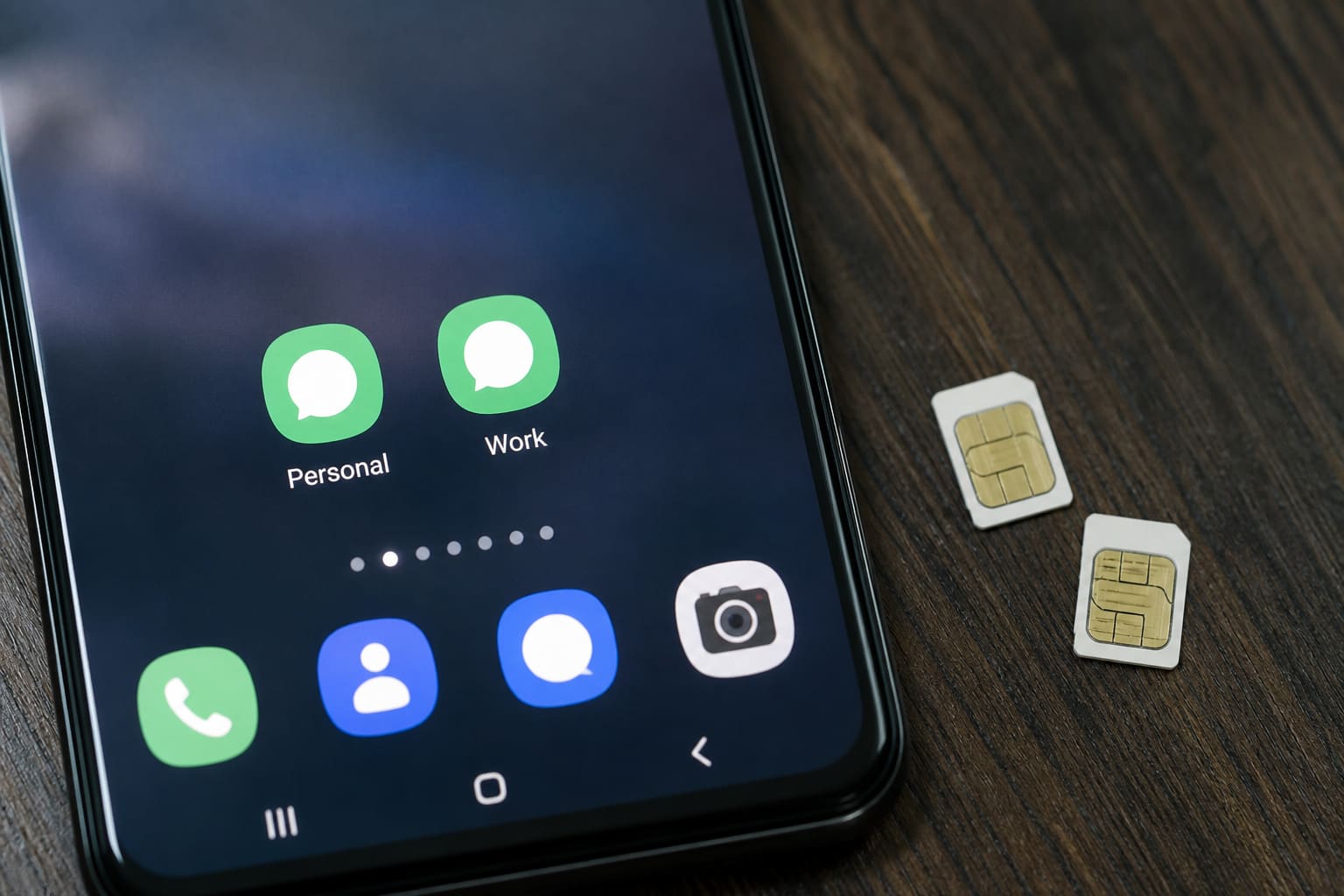
Many Android skins let you clone apps — handy for two WhatsApp numbers without a second phone.
Where to Find It
Search Settings for:
- Dual apps
- App twin / Twin apps
- Second space / Private space (related but different)
- Dual Messenger (Samsung)
Exact names differ by Tecno/Infinix/Samsung/Xiaomi skins.
Typical Steps
- Open Dual apps / Twin apps
- Toggle WhatsApp (or Facebook, etc.)
- Open the twin icon and set up the second account
- Keep notifications organised so you don’t miss business chats
Also compare WhatsApp Business vs normal WhatsApp.
Limits & Gotchas
- Not every app can be cloned
- Uses more storage and battery
- Backups: treat each WhatsApp separately
- Some banks block cloned environments
FAQ
Dual SIM required?
You need two numbers for two WhatsApp accounts; Dual SIM makes that easier but isn’t the clone feature itself.
Is Parallel Space safe?
Stick to built-in OEM tools when possible — third-party cloners vary in quality.
Sources / Verify With
- Your phone brand’s dual-app help page
- WhatsApp’s official multi-device / business docs
Original Sen Gideons News Studio editorial.