
Watch the full tutorial:
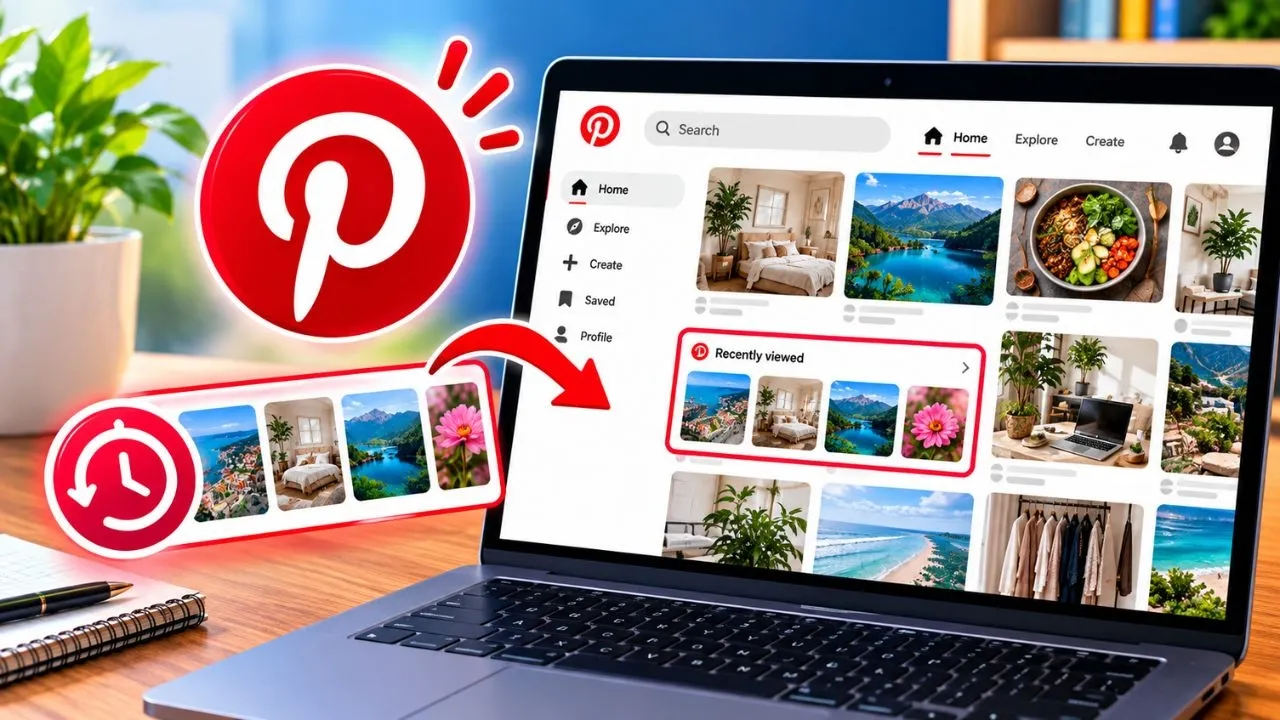
Pinterest does not put a simple “recently viewed” link on the home feed. Pins you opened and forgot to save are listed in your activity, a few menus in from Settings.
Open your viewing history
- Sign in at pinterest.com.
- Click the menu for settings. On the web that is the arrow or your profile, then Settings.
- Open Settings and support if that heading is shown, then Refine your recommendations.
- Open Activity.
Activity lists pins and boards you interacted with. Scroll to the day you remember seeing the pin. Open it and save it to a board this time, so you are not depending on history later.
If the pin is gone
- History only includes pins Pinterest still has. A pin the owner deleted will not open.
- A private or incognito session from another browser is not in this account’s activity.
- Clearing Pinterest history, or using a different Pinterest account, starts the list over.
Save as you go when the pin matters. Activity is the recovery path, not the filing system.
Disclaimer
Sengideons.com does not host any files on its servers. All point to content hosted on third-party websites. Sengideons.com does not accept responsibility for content hosted on third-party websites and does not have any involvement in the same.