
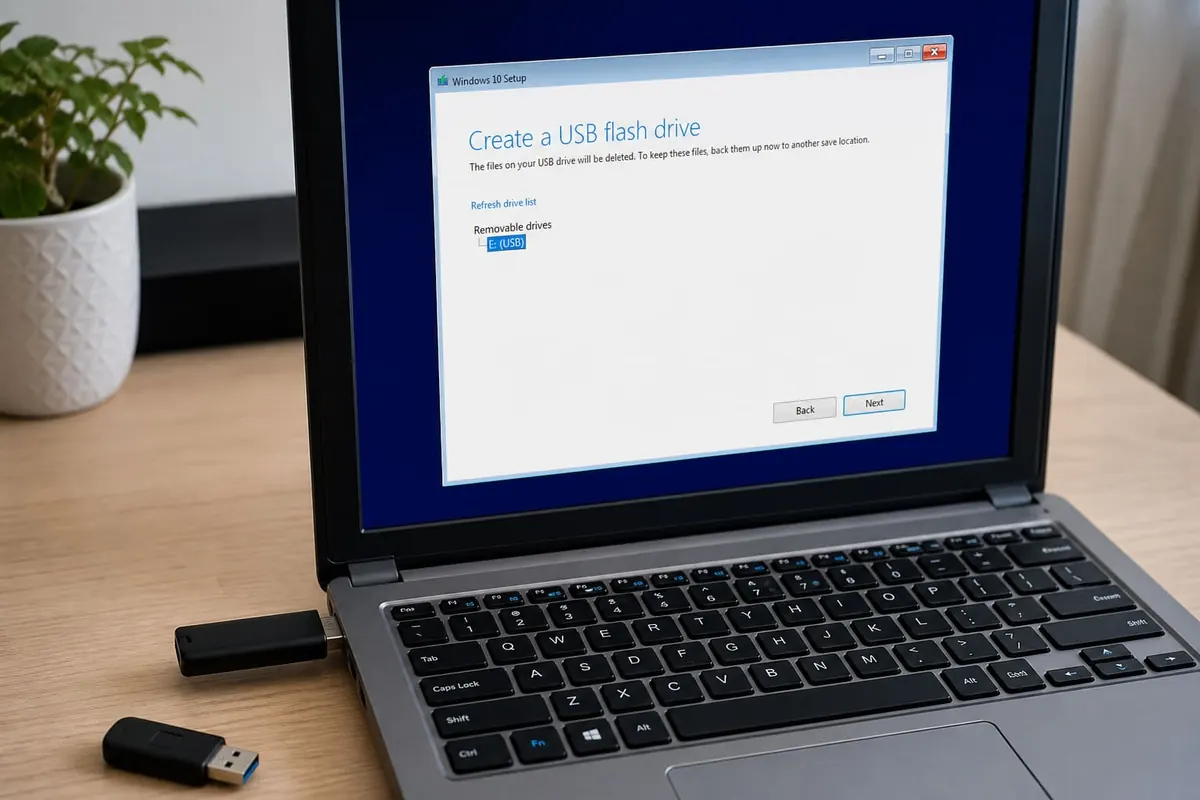
Creating a Windows bootable USB installer lets you clean-install or repair Windows when a PC will not boot properly. Use official Microsoft media and a reputable USB tool — random “Windows ISO” sites are malware magnets.
What you need
- 8GB+ USB drive (data will be erased)
- A working PC to create the media
- Official Windows ISO / Media Creation Tool from Microsoft
- Product key if your licence requires it (many modern PCs store digital licences)
High-level steps
- Backup important files first.
- Download official Media Creation Tool / ISO guidance from Microsoft.
- Create the bootable USB as instructed.
- Boot the target PC from USB (enter boot menu keys vary by brand).
- Follow install/repair prompts carefully.
- Install drivers and update safely — Windows update guide.
Ghana tips
- Use stable power; consider surge protection
- Keep another working phone hotspot only if absolutely needed — prefer full ISO on USB
- Do not use cracked ISOs from Telegram
FAQ
Will this erase my files?
Clean install can — backup first.
UEFI vs Legacy?
Match your firmware settings; modern PCs are usually UEFI.
Can I use a phone as installer?
Not a substitute for proper bootable USB media.
Build Windows installers only from official Microsoft tools, backup first, and boot carefully. Pirate ISOs are one of the fastest ways to own a permanently compromised PC.
Disclaimer
Sengideons.com does not host any files on its servers. All point to content hosted on third-party websites. Sengideons.com does not accept responsibility for content hosted on third-party websites and does not have any involvement in the same.












