
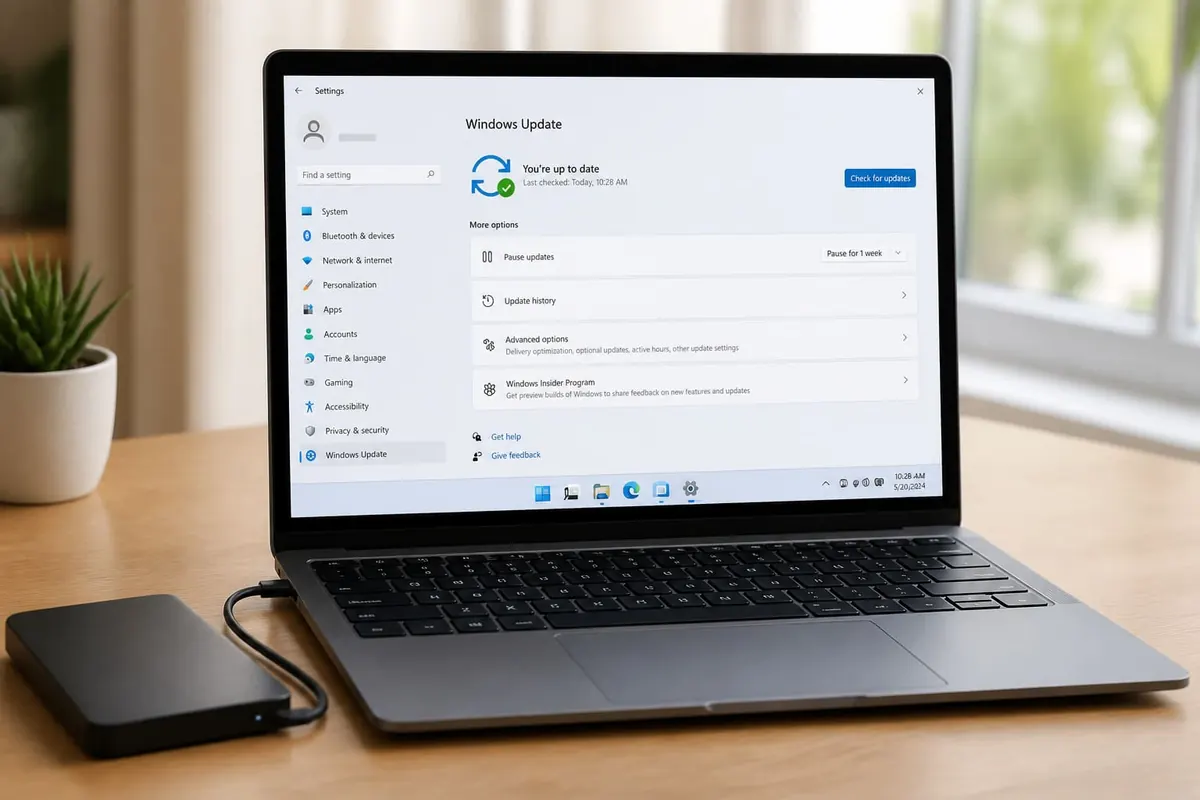
Updating Windows 11 safely means getting security patches without rushing into a half-downloaded upgrade on unstable power — a real issue for many users in Ghana. Follow a backup-first routine and you avoid the classic “PC won’t boot before my deadline” disaster.
Before you click Update
- Back up important files to external drive or trusted cloud
- Note critical licence keys / product logins
- Ensure enough free disk space (updates fail on full drives)
- Plug into stable power or a reliable UPS/inverter
- Pause mid-file work; save everything
Safe update steps
- Open Settings → Windows Update.
- Click check for updates.
- Read whether items are quality patches vs larger feature upgrades.
- Install, then reboot when prompted — do not force shutdown mid-configure.
- Verify apps you need (banking, VPN, printer) after restart.
Feature updates vs security patches
Smaller cumulative updates are routine. Larger feature upgrades can move menus and reset some defaults. On a work laptop, delay big upgrades until after deadlines if your organisation allows — but do not ignore security patches for months.
When updates fail
- Free space and retry
- Run Windows Update troubleshooter
- Temporarily disable flaky third-party VPN during download
- Avoid random “update repair” tools from unknown sites — malware magnets
Drivers and OEM utilities
Laptop brand tools (Dell/HP/Lenovo etc.) sometimes bundle firmware updates. Install those thoughtfully; keep power stable. Optional driver updates are not always required if devices work.
Privacy and delivery optimisation
Windows may use peer sharing for updates. On limited data packages, review Update delivery settings so you are not uploading patches to strangers on mobile hotspot data.
FAQ
Should I use unofficial ISO pages?
Prefer Microsoft’s official channels; sketchy ISOs are a common malware vector.
Can I update on a Friday night?
Only if you can spare recovery time on Saturday.
Does update remove files?
Normal patches should not; backups still matter before major upgrades.
Update Windows 11 with backups, stable power, and patience through reboots. Security patches are worth it — chaotic upgrades without free space or power planning are what “breaks” PCs.
Disclaimer
Sengideons.com does not host any files on its servers. All point to content hosted on third-party websites. Sengideons.com does not accept responsibility for content hosted on third-party websites and does not have any involvement in the same.












