
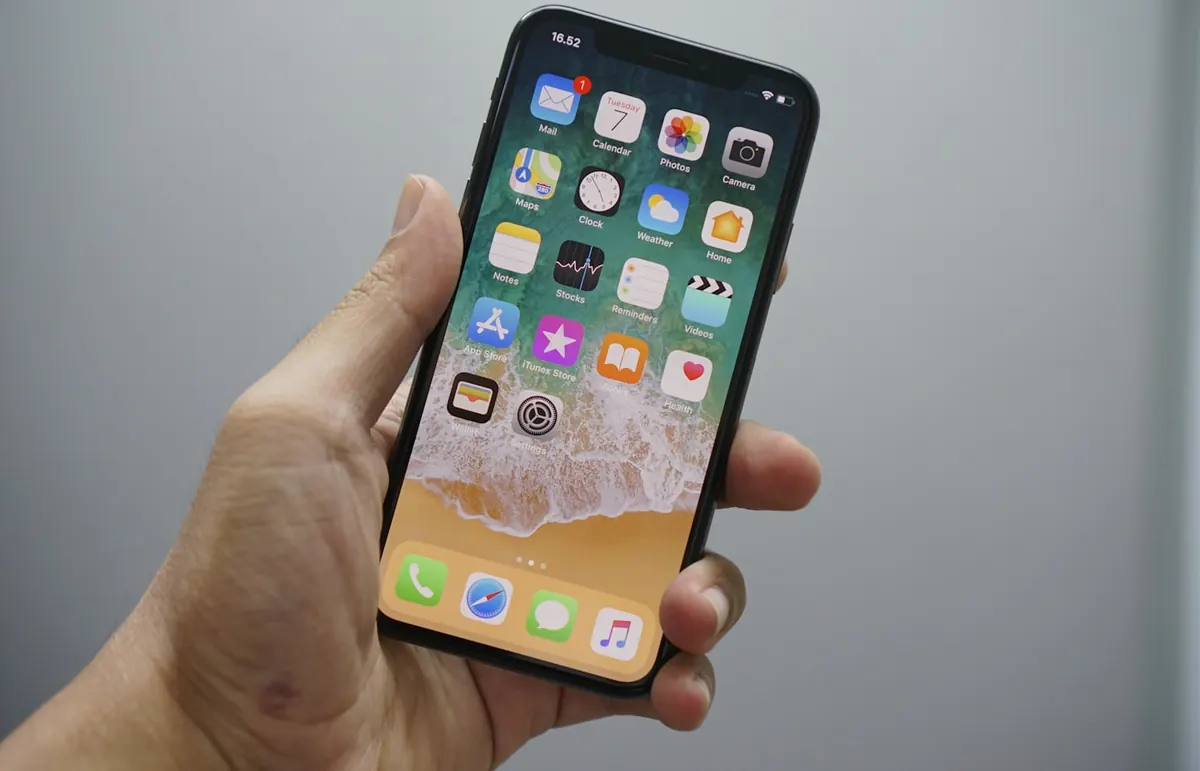
Ultra Power Saving Mode (naming varies by brand: Ultra battery saver, Maximum power saving, etc.) strips Android down so your phone survives when you’re far from a charger — trotro delays, overnight outages, or long market days.
What it typically does
- Limits apps that can run in the background
- Restricts connectivity features and visual effects
- Often switches to a simpler home screen / greyscale on some OEMs
- Pauses sync for email and non-essential accounts
How to enable it (general path)
- Open Settings → Battery (or Device care / Battery and device care).
- Look for Power saving / Ultra power saving / Battery saver.
- Turn on the strongest mode available.
- Add only essential apps (Phone, Messages, Maps, one banking app if needed).
- Exit the mode from the same Battery menu when you’re charging again.
Samsung, Xiaomi, Tecno, Infinix, and others bury the toggle slightly differently — use Settings search for “power saving” if you can’t find it.
When to use it
- Battery under ~20% and no charger soon
- Travel days with heavy maps use planned later
- Overnight if you need the phone only for alarms/calls
What not to expect
It won’t fix a dying battery permanently. It also won’t help much if brightness is maxed and you’re recording 4K video. For everyday discipline, combine with Digital Wellbeing limits and notification control via notification settings.
Extra battery habits that stack
- Dark mode on OLED screens for some apps
- Wi‑Fi when available instead of weak mobile data hunting
- Disable always-on display if your model has it
- Keep one navigation app, not three fighting for GPS
FAQ
Will alarms still work?
Usually yes — verify once after enabling.
Can WhatsApp still message me?
Often delayed until you open the app in ultra modes.
Is it safe?
Yes — it’s a system feature, not a third-party “battery booster” APK.
Turn on Ultra/Max power saving when you need hours more life, whitelist only essentials, then return to normal mode after charging. Skip shady booster apps.
Disclaimer
Sengideons.com does not host any files on its servers. All point to content hosted on third-party websites. Sengideons.com does not accept responsibility for content hosted on third-party websites and does not have any involvement in the same.












