
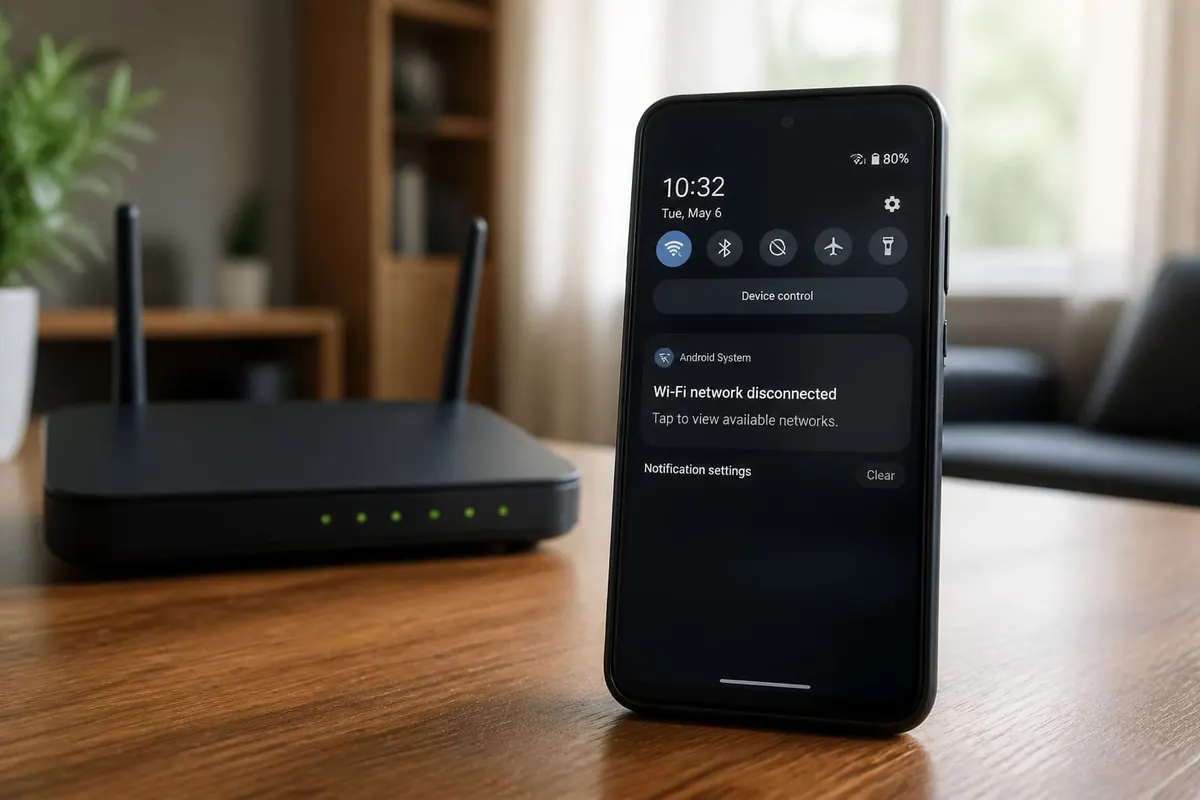
Android Wi‑Fi that drops every few minutes turns downloads, MoMo confirmations, and video calls into a chore. Fix the phone side and the router side separately so you do not blame the wrong end.
Phone-side quick fixes
- Toggle Airplane mode for 10 seconds.
- Forget the network and re-enter the password.
- Disable “Turn on Wi‑Fi automatically” experiments if they misbehave.
- Clear cache of the Settings app / Network stack after updates (path varies by OEM).
- Test another phone on the same Wi‑Fi—if both drop, fix the router.
Router and ISP checks
- Reboot fibre ONT and router
- Move the router off the floor and away from microwaves
- Prefer 5 GHz near the router; 2.4 GHz for distance through walls
- Change channel if neighbours congest the band (apps or router auto)
- Update router firmware when your ISP provides it
- Ask ISP about line errors if drops include all devices
Software culprits
VPN apps, battery savers killing Wi‑Fi, and poorly coded “network booster” APKs cause flaps. Uninstall junk. Set battery optimisation to unrestricted for critical apps carefully—not for everything.
MAC randomisation
On some networks (hotel, campus, shop), randomised MAC addresses break captive portals or reserved DHCP. Try “Use device MAC” for that SSID.
Heat and dual SIM
Hot phones throttle radios. Dual-SIM devices constantly scanning can destabilise data handoffs—set preferred Wi‑Fi calling features thoughtfully and disable unused SIM data.
FAQ
Only one app drops?
Likely the app—clear cache or reinstall; not Wi‑Fi hardware.
Works at night only?
Neighbourhood congestion or ISP shaping—test wired if available.
Static IP help?
Sometimes on chaotic DHCP; usually reboot/router channel first.
New router needed?
If hardware is years old and multiple phones fail after ISP checks.
Prove whether the phone or router fails first, then forget/rejoin, fix bands, and remove fake booster apps.
Practical notes (1)
Revisit this checklist when your situation changes—new phone, new shop location, new season rules, or a fresh scam pattern. Save confirmations, teach one other person the recovery steps, and prefer official sources when instructions conflict with viral tips. Small weekly maintenance beats rare emergency cleanups for the topic covered in post 3205.
Practical notes (2)
Revisit this checklist when your situation changes—new phone, new shop location, new season rules, or a fresh scam pattern. Save confirmations, teach one other person the recovery steps, and prefer official sources when instructions conflict with viral tips. Small weekly maintenance beats rare emergency cleanups for the topic covered in post 3205.
Practical notes (3)
Revisit this checklist when your situation changes—new phone, new shop location, new season rules, or a fresh scam pattern. Save confirmations, teach one other person the recovery steps, and prefer official sources when instructions conflict with viral tips. Small weekly maintenance beats rare emergency cleanups for the topic covered in post 3205.
Practical notes (4)
Revisit this checklist when your situation changes—new phone, new shop location, new season rules, or a fresh scam pattern. Save confirmations, teach one other person the recovery steps, and prefer official sources when instructions conflict with viral tips. Small weekly maintenance beats rare emergency cleanups for the topic covered in post 3205.
Practical notes (5)
Revisit this checklist when your situation changes—new phone, new shop location, new season rules, or a fresh scam pattern. Save confirmations, teach one other person the recovery steps, and prefer official sources when instructions conflict with viral tips. Small weekly maintenance beats rare emergency cleanups for the topic covered in post 3205.
Practical notes (6)
Revisit this checklist when your situation changes—new phone, new shop location, new season rules, or a fresh scam pattern. Save confirmations, teach one other person the recovery steps, and prefer official sources when instructions conflict with viral tips. Small weekly maintenance beats rare emergency cleanups for the topic covered in post 3205.
Practical notes (7)
Revisit this checklist when your situation changes—new phone, new shop location, new season rules, or a fresh scam pattern. Save confirmations, teach one other person the recovery steps, and prefer official sources when instructions conflict with viral tips. Small weekly maintenance beats rare emergency cleanups for the topic covered in post 3205.
Practical notes (8)
Revisit this checklist when your situation changes—new phone, new shop location, new season rules, or a fresh scam pattern. Save confirmations, teach one other person the recovery steps, and prefer official sources when instructions conflict with viral tips. Small weekly maintenance beats rare emergency cleanups for the topic covered in post 3205.
Keep improving
Revisit this checklist when your tools, season rules, or shop setup change. Save confirmation screenshots, teach one other person the recovery path, and prefer official documentation whenever a viral tip disagrees with the current product screens. Weekly fifteen-minute maintenance usually prevents the weekend emergency that costs money or data. If something fails twice in a row, pause and verify accounts, cables, and backups before you repeat the same click path.
Share the working method
Write the steps that worked for your household or shop in a short note you can find offline. Include SIMs used, Google accounts, charger models, or delivery suburbs where relevant. Clear notes beat memory when a phone is lost or a staff member is away. Review the note after major app updates so permission prompts do not surprise you mid-task.
Keep improving
Revisit this checklist when your tools, season rules, or shop setup change. Save confirmation screenshots, teach one other person the recovery path, and prefer official documentation whenever a viral tip disagrees with the current product screens. Weekly fifteen-minute maintenance usually prevents the weekend emergency that costs money or data. If something fails twice in a row, pause and verify accounts, cables, and backups before you repeat the same click path.
Share the working method
Write the steps that worked for your household or shop in a short note you can find offline. Include SIMs used, Google accounts, charger models, or delivery suburbs where relevant. Clear notes beat memory when a phone is lost or a staff member is away. Review the note after major app updates so permission prompts do not surprise you mid-task.
Disclaimer
Sengideons.com does not host any files on its servers. All point to content hosted on third-party websites. Sengideons.com does not accept responsibility for content hosted on third-party websites and does not have any involvement in the same.












