
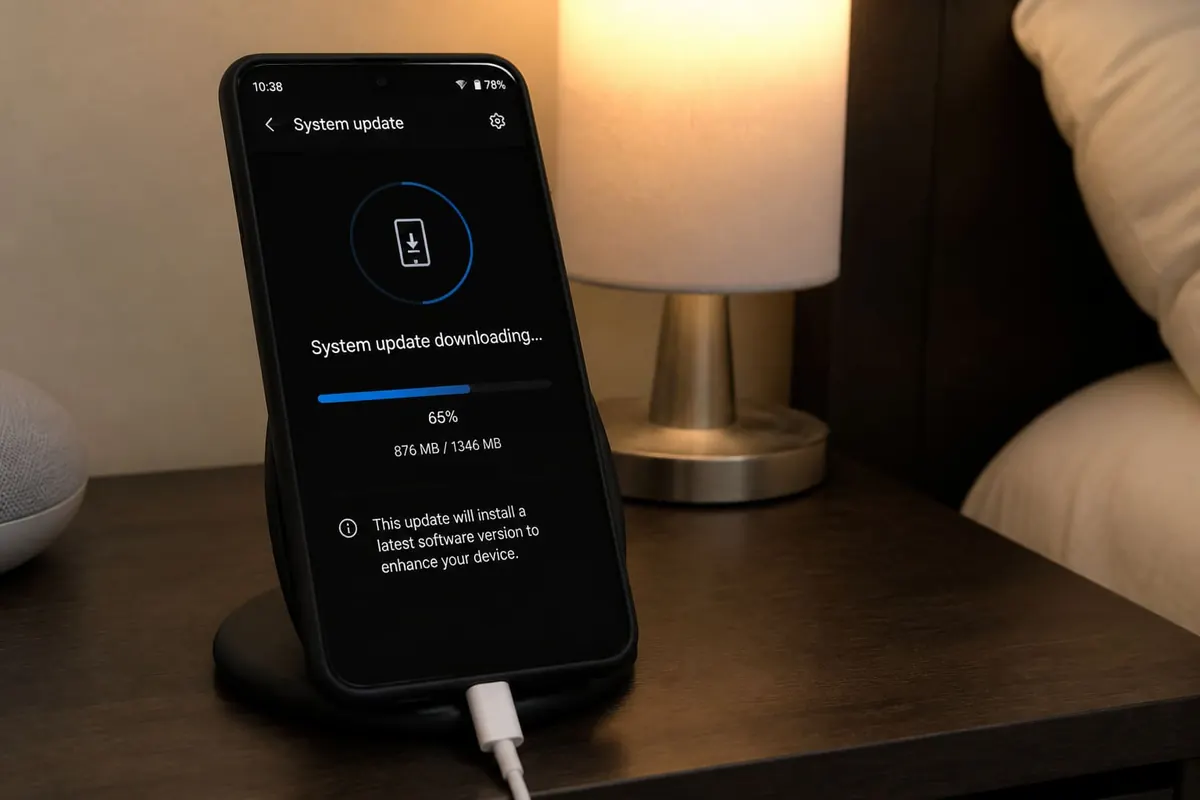
Updating Android system software keeps security patches current — but bad Wi‑Fi, low battery, or fake update APKs cause brick-level stress. Here’s a safe routine for phones sold in Ghana.
Use official update paths only
- Settings → System → System update (or Software update).
- Connect to stable Wi‑Fi.
- Charge above 50% (preferably plugged in).
- Download and install the OEM update.
- Don’t install “Android 15 updater” APKs from random Telegram channels.
Before you update
- Back up photos (Google Photos / cable copy)
- Note important WhatsApp chats; keep Chat Backup happy
- Free some storage — updates need space
- If storage is critical, move files to SD first
During and after
- Leave the phone alone while it restarts.
- Re-check critical apps (banking, email).
- Review newly reset notification permissions — notification guide.
- If battery feels worse for a day, allow indexing to finish before panicking.
When updates stall
- Retry on another network
- Clear the System Update app cache if your OEM documents it
- Visit an authorised service centre for failed mid-install bricks
- Avoid “repair tools” from unknown PCs
FAQ
Do I need every update?
Security patches matter; feature updates can wait a few days for early bugs.
Will update wipe data?
Normal OTA updates shouldn’t; major changes still deserve a backup.
Carrier vs OEM?
Follow what your phone Settings offers for your model/region.
Update through Settings on Wi‑Fi with battery to spare, back up first, and ignore sideloaded “updaters.” That’s the safe Android path.
Disclaimer
Sengideons.com does not host any files on its servers. All point to content hosted on third-party websites. Sengideons.com does not accept responsibility for content hosted on third-party websites and does not have any involvement in the same.












