
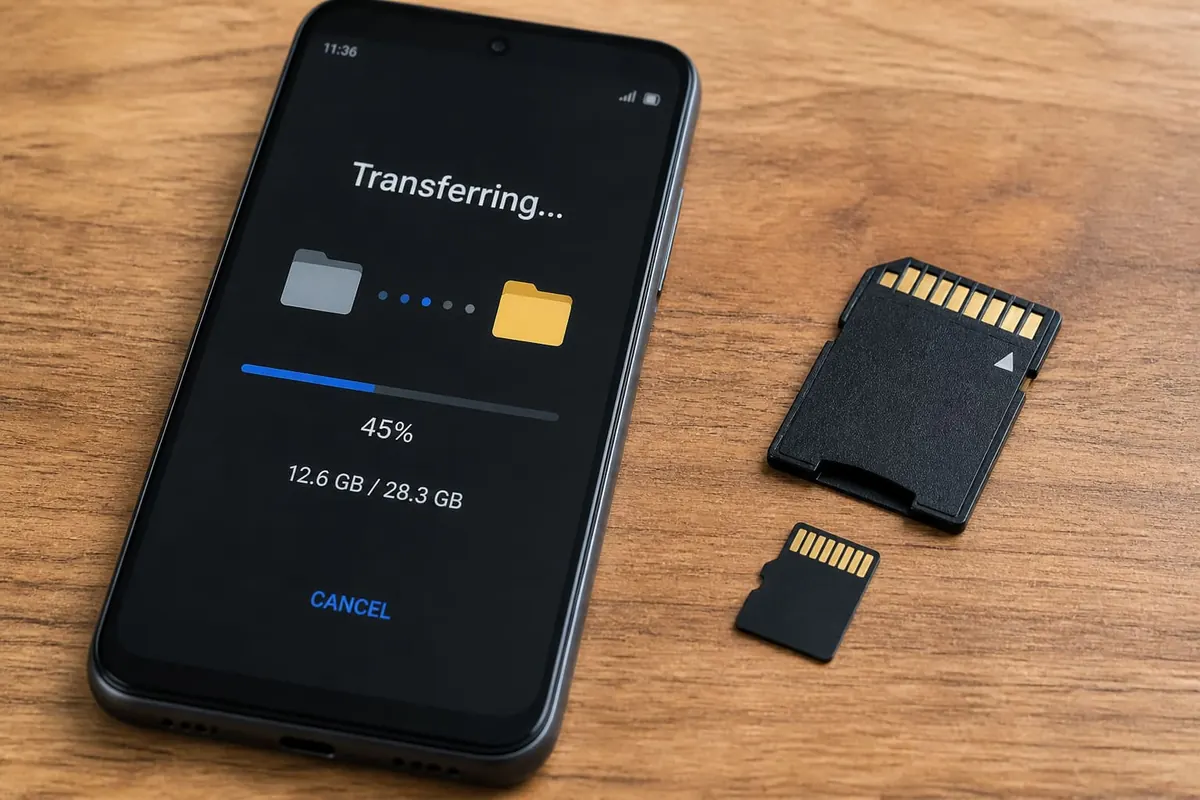
Moving files to an SD card frees internal storage on many Android phones sold in Ghana — if your model supports adoptable or portable storage. Steps vary by brand, but the idea is the same.
Check compatibility first
- Does your phone have a microSD slot? (Some newer models removed it.)
- Use a reputable card (Class 10 / A1 or better for app data where supported).
- Format in-phone when prompted; back up the card first if it has data.
Move photos, videos, and documents
- Open Files / My Files.
- Select Internal storage folders (DCIM, Download, Documents).
- Select items → Move / Copy → SD card.
- Verify files open from the SD path before deleting originals (if you copied).
Move apps (only when the system allows)
Settings → Apps → [App] → Storage → Change → SD card. Not all apps can move; system apps usually can’t. Adoptable storage (formatting SD as internal) is an advanced choice — understand you may not eject the card freely afterward.
Camera and WhatsApp defaults
- Camera settings sometimes include “storage = SD card”
- WhatsApp media can be large — clear old statuses/videos after backup
- Keep critical documents in both cloud and card if possible
Speed and reliability tips
- Don’t remove the card while transfers run.
- Eject/unmount from Settings before physical removal.
- Cheap fake-capacity cards corrupt data — buy from trusted shops.
- For a phone that’s also slow, see power saving and storage hygiene together.
FAQ
Why can’t I move an app?
Developer/OS restrictions — move media instead.
Is SD slower than internal?
Often yes; keep frequently used apps internal when possible.
Will formatting erase the card?
Yes — back up first.
Confirm the slot and card quality, move media via Files, change camera storage when available, and unmount before removal. That’s the safe SD workflow.
Disclaimer
Sengideons.com does not host any files on its servers. All point to content hosted on third-party websites. Sengideons.com does not accept responsibility for content hosted on third-party websites and does not have any involvement in the same.












 apps to an SD card on Android — format tips and OEM limits.)