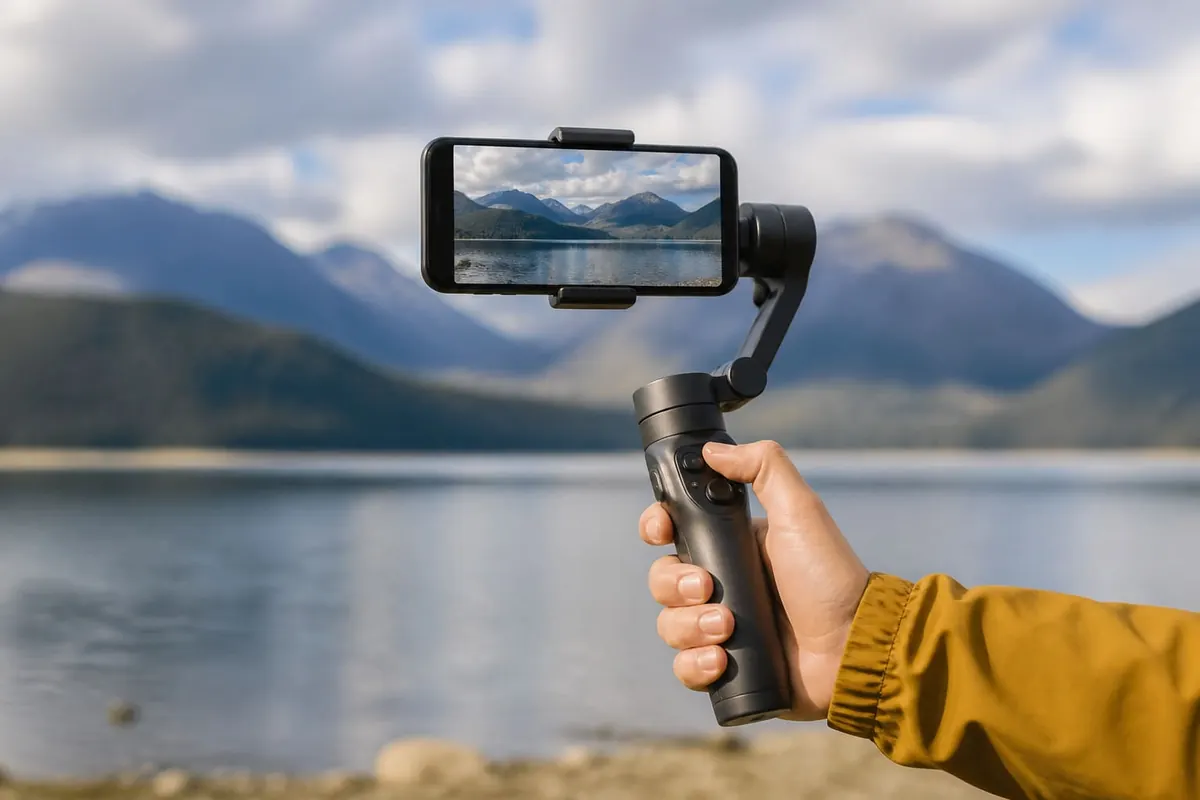
A smartphone gimbal stabilises video so walking shots and talking-head reels look less shaky. For beginners in Ghana creating YouTube/TikTok content, buy for balance and battery — not only foldable marketing.
What a gimbal does
- Motors counteract small hand movements
- Helps cinematic pans and follow shots
- Doesn’t fix terrible lighting or bad audio by itself
Buying checklist
- Payload: Supports your phone’s weight with a case on.
- Phone width clamp: Fits large Ghana-popular handsets.
- Battery life: Real hours for your shoot day.
- App support: Modes (pan follow, lock, timelapse) you’ll actually use.
- Ports/charge: Can you charge the phone while mounted?
- Warranty/parts: Local seller who can help with failures.
Beginner technique
- Balance the phone before every session as the manual shows
- Walk with soft knees; don’t rely on motors to hide sprinting
- Clean lens; disable heavy beauty filters if they smear motion
- Record audio separately or use a lav if voice matters
- Practice screen recording alternatives only for UI demos — screen record guide
Do you need one?
Many creators start with careful handheld + good light. A gimbal helps walking tours, events, and client deliverables. Freelancers selling video should show stabilised samples on their profile.
FAQ
Phone OS matter?
Most gimbals support both; check the app store listing.
Can it replace a camera?
For social video, often yes; cinema work may need more.
Why does it drift?
Usually balance or calibration — redo setup.
Match payload and clamp to your phone, learn balance, and practise smooth walking. The gimbal is a stabiliser — lighting and audio still make the video.
Disclaimer
Sengideons.com does not host any files on its servers. All point to content hosted on third-party websites. Sengideons.com does not accept responsibility for content hosted on third-party websites and does not have any involvement in the same.