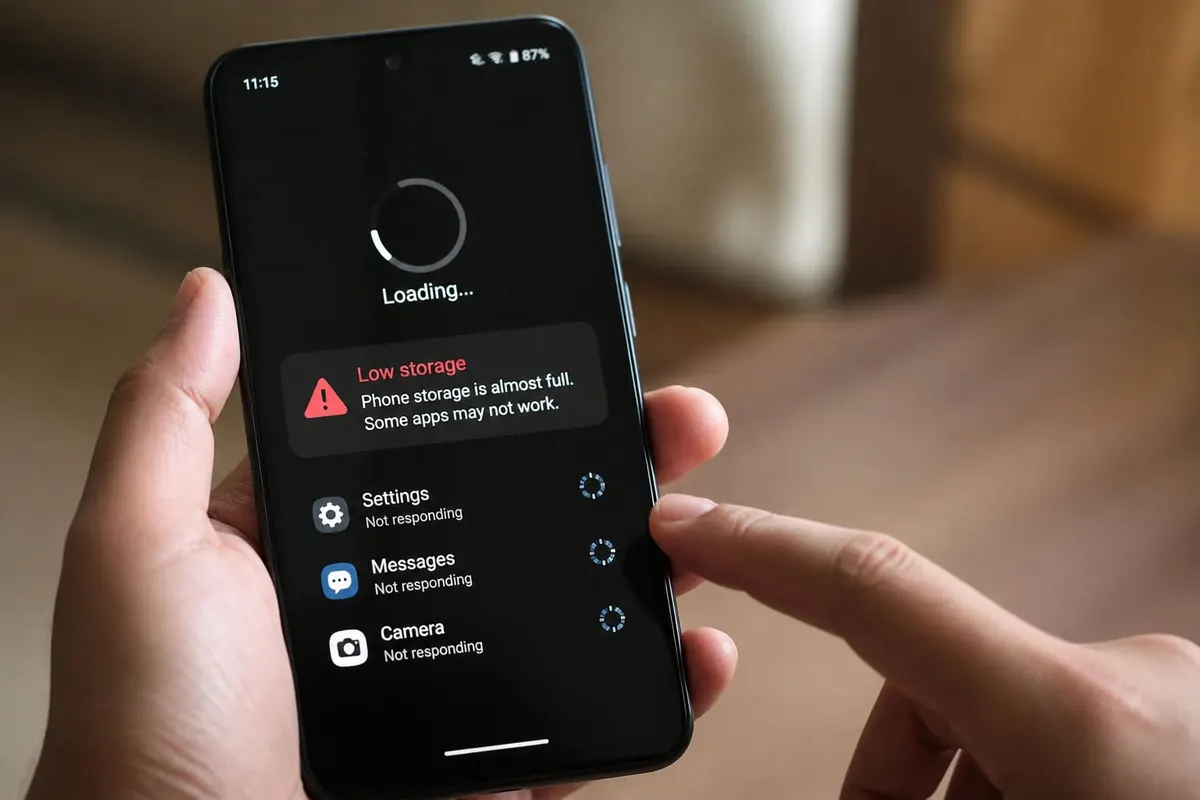
If WhatsApp takes forever and Chrome tabs freeze, you’re not alone. Slow Android phones are one of the top tech frustrations in Ghana — especially on budget devices packed with apps.
Here’s what usually causes the lag and how to speed things up without sketchy “cleaner” APKs.
Why Android Phones Get Slow
- Storage almost full (photos, WhatsApp status downloads, WhatsApp.Statuses leftovers)
- Too many auto-start apps
- Old apps + outdated system software
- Home-screen widgets and animated launchers
- Malware / fake cleaners installed from unknown links
- Aging battery / thermal throttling in heat
- Too many Chrome tabs and cached junk
How to Speed Up Your Android Phone
1. Free Storage (Biggest Win)
- Delete bulky WhatsApp videos you don’t need
- Offload photos to Google Photos (backup first) or a PC
- Clear downloads folder
- Uninstall apps you haven’t opened in months
Aim to keep 15–20% storage free when possible.
2. Disable Startup Bloat
Open settings → apps → disable or uninstall manufacturer bloat you don’t use (careful with system apps you don’t recognise).
3. Limit Background Data for Heavy Apps
For Facebook, TikTok, and games: restrict background usage if your phone is low-RAM.
4. Update Officially
Use Settings → System update and Play Store updates. Avoid “Android 16 installer” Telegram files.
5. Restart Weekly
Simple, but it clears stuck processes.
6. Replace Fake Cleaners
Uninstall random cleaner/booster apps. Android’s built-in storage tools are safer.
7. Check for Malware Behaviour
Clues: sudden ads on the home screen, unknown apps, crazy data usage. Run Play Protect and remove suspicious apps.
Slow Android Fix — Quick Checklist
| Step | Action |
|---|---|
| Storage | Delete big videos/apps |
| Apps | Uninstall unused + fake cleaners |
| Updates | System + Play Store |
| Browser | Close tabs / clear cache |
| Restart | Once a week |
| Still slow? | Factory reset backup → or upgrade |
When It’s Time to Upgrade
If you have under 3–4GB usable RAM, a worn battery, and constant thermal lag, software cleanup only helps so much. Consider a phone with more RAM/storage — see our budget phone buying guide.
FAQ
Does factory reset really help?
Yes, if the software is clogged — after backing up WhatsApp/photos. It won’t fix dying hardware.
Is clearing cache safe?
Clearing app cache is usually safe. Avoid “clear data” unless you know you’ll lose logins/settings.
Why is my phone slow only in the afternoon heat?
Heat throttles performance. Remove thick cases while charging; don’t game while charging in the sun.
Sources / Verify With
- Google Android Help documentation for your version
- Play Protect / official Play Store only for apps
This article is original editorial for Sen Gideons News Studio. Menu names vary by brand (Samsung, Infinix, Tecno, etc.).
Disclaimer
Sengideons.com does not host any files on its servers. All point to content hosted on third-party websites. Sengideons.com does not accept responsibility for content hosted on third-party websites and does not have any involvement in the same.