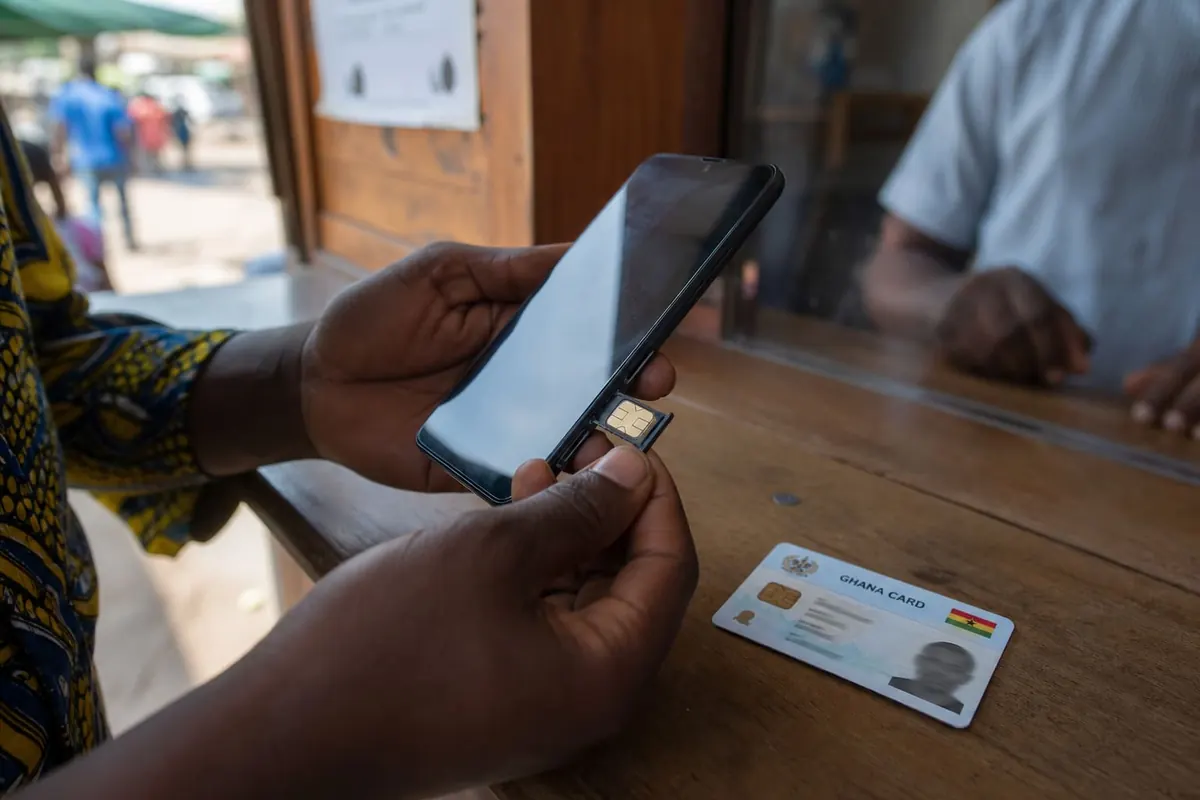
One phone, two lives: clients on one line, family on the other. In Ghana, dual-SIM phones are common and eSIM is showing up on more midrange and flagship devices. Done well, you separate noise. Done badly, the wrong SIM eats your data or leaks work chats into personal status updates.
Pick your setup
- Two physical SIMs: Still the most common Ghana setup.
- One physical + eSIM: Useful if your phone supports it and your network offers eSIM.
- Two phones: Cleanest separation, heaviest pockets.
Confirm eSIM support with your exact model and network before you delete a physical SIM plan.
Android dual-SIM basics
- Insert SIMs (or add eSIM via carrier QR).
- Settings → Network & internet → SIMs.
- Label them clearly: Work and Personal.
- Set defaults:
- Calls preference
- SMS preference
- Mobile data SIM (usually the cheaper data plan)
- For each call, pick the SIM when the dialler asks don’t rush.
iPhone dual-SIM / eSIM basics
- Settings → Cellular.
- Label lines (Work / Personal).
- Choose Cellular Data line.
- Set Default Voice Line.
- Enable “Allow Cellular Data Switching” only if you understand bill risk.
Recommended Ghana pattern
- Personal SIM: WhatsApp primary, family, MoMo you already trust
- Work SIM: Client calls, work SMS OTPs, secondary WhatsApp Business if you use it
- Data: Put mobile data on the plan with better bundles then hotspot carefully
- Register both SIMs properly SIM registration guide
WhatsApp and app gotchas
- WhatsApp binds to one number at a time on a phone (Business app is the usual second channel).
- Banking apps may OTP the “wrong” SIM keep that SIM’s SMS default sensible during setup.
- Turn off work notifications at night with Focus / Digital Wellbeing Digital Wellbeing.
- App lock private apps if you hand the phone to others app lock.
Privacy and professionalism tips
- Don’t put your personal number on public flyers if you hate night calls
- Use a simple voicemail / missed-call routine on the work line
- When selling an old phone, remove accounts from both lines’ related apps transfer checklist
- Verify IMEI if the handset is used IMEI guide
Data sharing between lines
Dual-SIM does not auto-share bundles between SIMs. If a family member needs gigabytes on their own phone, use official gift tools share MTN/Telecel data.
FAQ
Can both SIMs get calls at once?
Many phones hold one call and show the other as waiting behaviour varies by model/network.
Which SIM should take data?
Usually whichever has cheaper/more reliable bundles for your week.
Is eSIM safer if the phone is stolen?
You can often remote-lock accounts either way report the number to your network quickly.
Do I need two Ghana Cards?
No registration rules apply per SIM/number; follow current NCA/network process.
Label your lines, set call/SMS/data defaults deliberately, and keep WhatsApp strategy intentional. Dual-SIM works when Work and Personal stop fighting for every notification.
Disclaimer
Sengideons.com does not host any files on its servers. All point to content hosted on third-party websites. Sengideons.com does not accept responsibility for content hosted on third-party websites and does not have any involvement in the same.