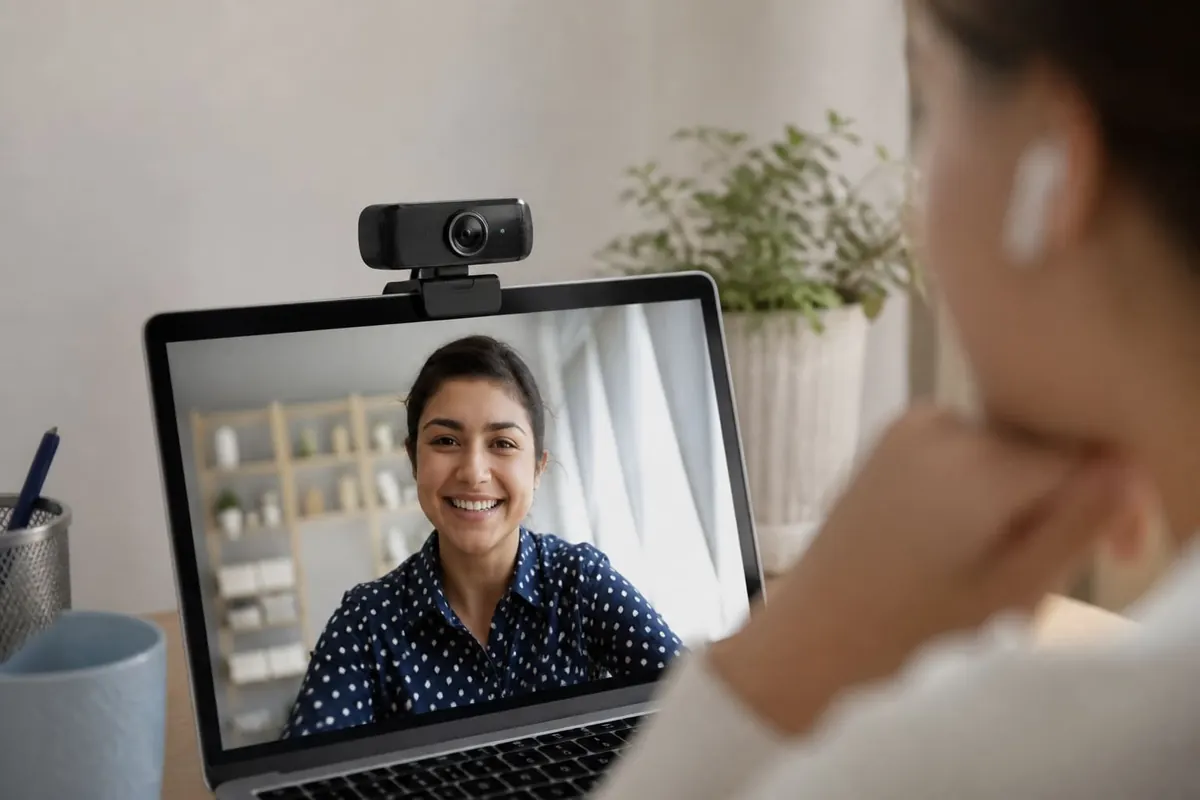
A webcam for students and remote work in Ghana should deliver clear face lighting more than fake “8K” labels. Many laptops already have cameras — an external cam helps when the built-in one is weak or poorly angled.
What to look for
- 1080p at a stable frame rate for calls
- Autofocus that doesn’t hunt endlessly
- Clip that fits your monitor thickness
- Privacy shutter (hardware if possible)
- USB compatibility with your laptop ports — hubs: USB-C hub
Picture quality multipliers
- Face a desk lamp/window — lamp guide
- Raise the camera to eye level
- Clean the lens
- Quiet background or soft blur in software
- Optional ring light for creators — ring light guide
FAQ
Do I need 4K?
Rarely for Zoom/Meet — upload bandwidth matters more.
Built-in mic enough?
Often mediocre — earbuds with mics can help — earbuds guide.
Linux/Windows drivers?
UVC webcams usually plug-and-play.
Buy solid 1080p, fix lighting and angle, and add a shutter for privacy. Lighting beats megapixel marketing on student calls.
Disclaimer
Sengideons.com does not host any files on its servers. All point to content hosted on third-party websites. Sengideons.com does not accept responsibility for content hosted on third-party websites and does not have any involvement in the same.