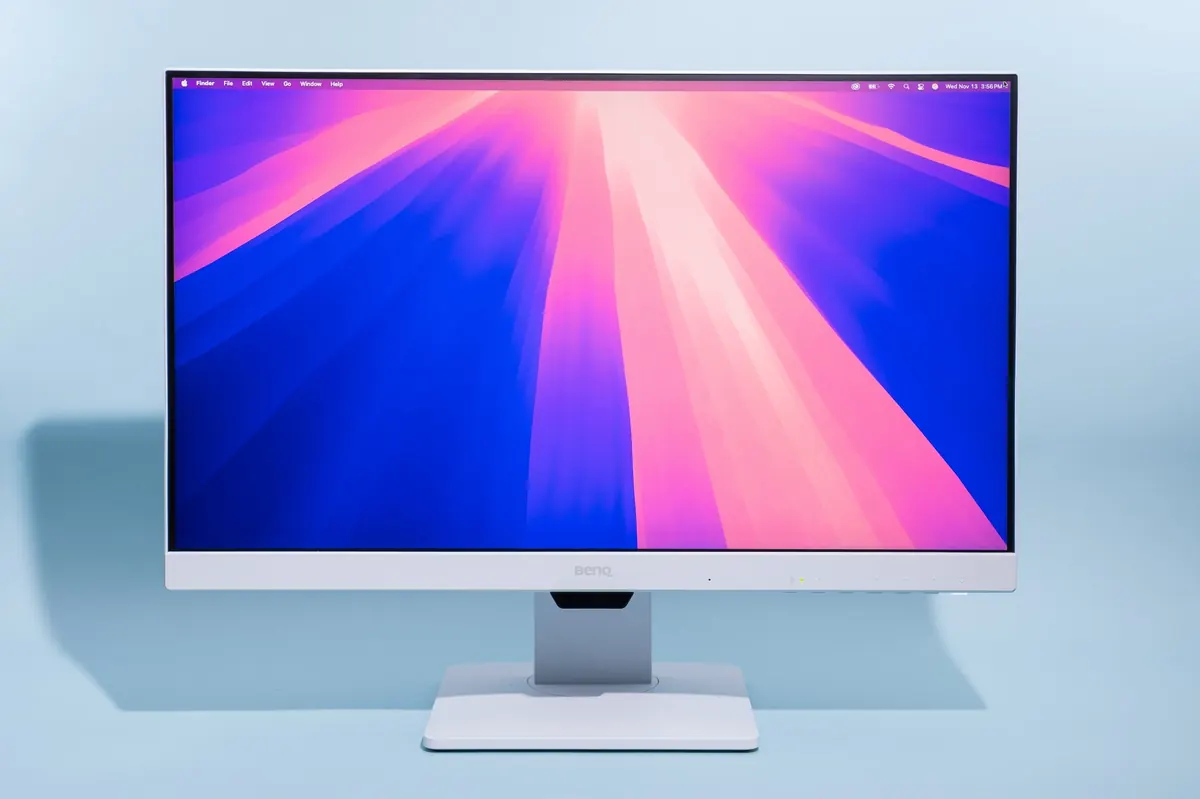
A good monitor upgrades study and work more than another handful of browser extensions. In Ghana, buy for panel comfort, ports, and warranty — not only the biggest Hertz number on a sticker.
What to prioritise
- Size: 24–27″ fits most desks
- Resolution: 1080p fine for 24″; 1440p nicer at 27″ if your PC can drive it
- Panel: IPS usually better viewing angles for office work
- Eye comfort: flicker-free / brightness you can lower at night
- Ports: HDMI/DisplayPort matching your laptop/PC — hubs: USB-C hub
Setup tips
- Top of screen near eye level.
- Arm’s length distance.
- Use dual monitors when workflows need it — Windows dual monitor.
- Stretch breaks — eye strain relief.
FAQ
Do students need 144Hz+?
Nice for games; 60–75Hz is fine for docs.
Curved?
Optional preference — not required for coding.
Built-in speakers?
Usually weak; plan headphones — Bluetooth fixes.
Choose IPS comfort, sensible size/resolution, and the right cables. A stable monitor with warranty beats a flashy refresh rate you won’t use in Word.
Disclaimer
Sengideons.com does not host any files on its servers. All point to content hosted on third-party websites. Sengideons.com does not accept responsibility for content hosted on third-party websites and does not have any involvement in the same.