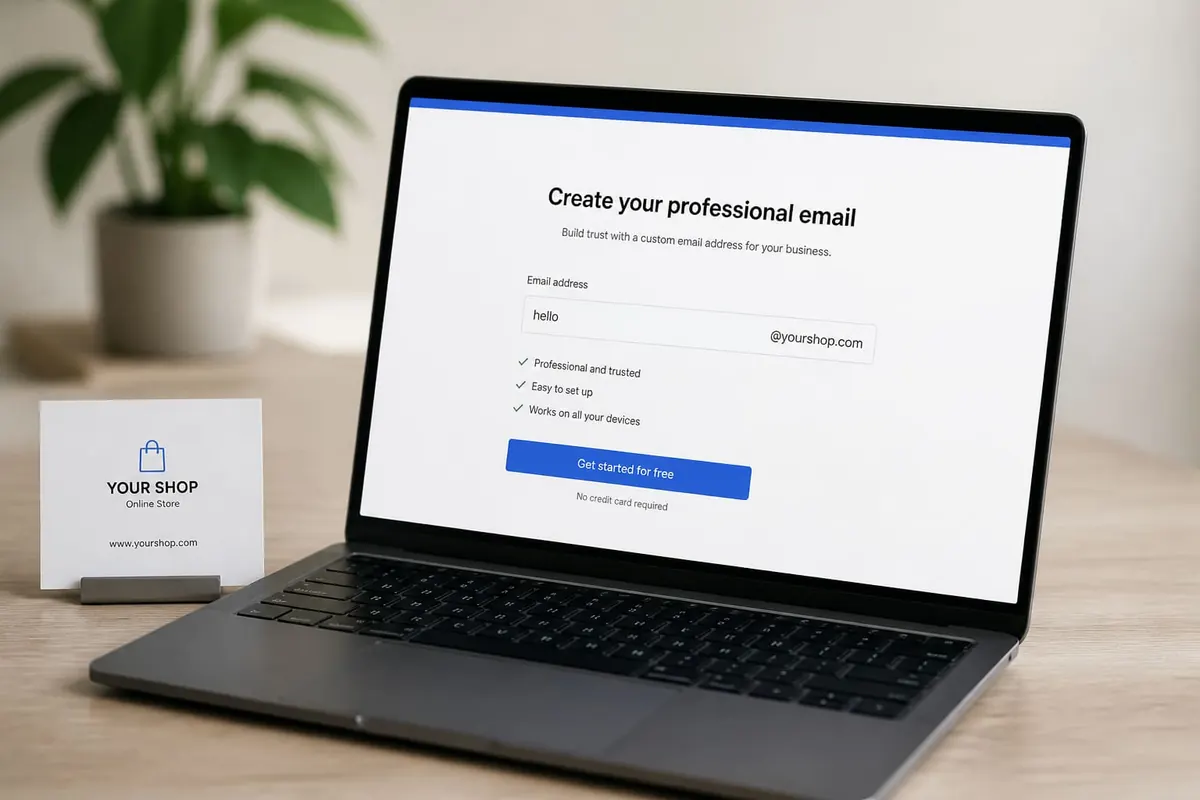
A professional email address improves job and client first impressions. Free options exist via Gmail/Outlook — you do not need a custom domain on day one, though a domain looks stronger for businesses later.
Free professional patterns
- firstname.lastname@gmail.com
- firstnamelastname.work@…
- Avoid party nicknames and birth years if possible
Setup tips
- Create the account with a strong unique password + 2FA — passwords.
- Add a clear display name.
- Create a simple signature (name, phone, role).
- Practice email etiquette.
- For SMEs later, consider domain email after business registration.
What not to do
- Use your employer email for personal job hunting long-term
- Share OTP codes from your mailbox casually
- Fall for “email upgrade” phishing
FAQ
Is Gmail respected?
Yes for individuals when the name is professional.
Do I need .com.gh?
Nice for brands; not required for job applications.
Multiple addresses?
Keep one primary professional inbox.
Get a clean free email with your real name, lock it down with 2FA, and write like a professional. The address is the first line of your personal brand.
Disclaimer
Sengideons.com does not host any files on its servers. All point to content hosted on third-party websites. Sengideons.com does not accept responsibility for content hosted on third-party websites and does not have any involvement in the same.