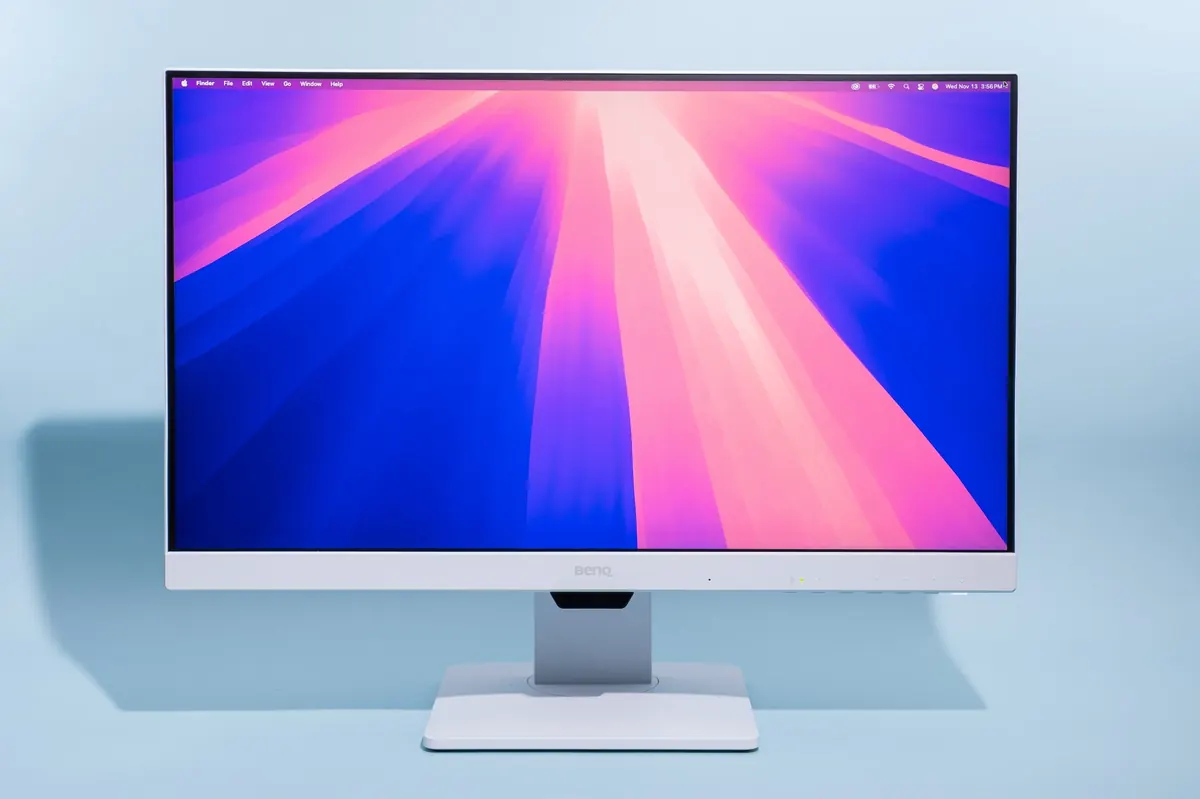
A good monitor turns a laptop into a real workstation — if you pick the right size and panel.
Written for Ghana shoppers: what to check in-store, what Facebook captions skip, and which related buying guides on this site are worth opening next.
Size & Resolution
| Desk setup | Practical pick |
|---|---|
| Tight desk | 22–24″ 1080p |
| Standard study desk | 24–27″ 1080p or 1440p |
| Design / spreadsheets | 27″ 1440p when budget allows |
1080p on 32″ can look soft — match size to resolution.
Specs That Matter
- IPS panel for better angles/colours (vs old TN)
- HDMI + extras if you’ll share with a console
- Adjustable stand or budget for a VESA arm
- Speakers are usually weak — plan headphones/speaker
Ghana Buying Tips
- Confirm cable included (HDMI/DP)
- Test dead pixels in-store when possible
- Pair with a USB-C hub if your laptop needs HDMI out
- See also Dual Monitors
FAQ
75Hz vs 144Hz for study?
75Hz is fine for docs. Gamers care more about high refresh.
Curved worth it?
Nice for immersion; not required for Word/Excel.
Sources / Verify With
- Panel type on the exact SKU box
- Your laptop’s max output resolution
Buying in Ghana without getting burned
Ignore the loudest Facebook caption. Ghana is 220–240V. Ask for the warranty card and whether the shop will still be there next month. If the product plugs into the wall, cheap unrated extension boards fail first when power returns.
If they cannot show a box, nameplate, or a return window in writing, walk.
What to verify before you pay
Write down IPS panel for better angles/colours (vs old TN), HDMI + extras if you’ll share with a console, and Adjustable stand or budget for a VESA arm before you leave the shop. Ghana listings often reuse a photo from a different model. If the seller cannot show the box, nameplate, or a return window, treat the deal as a demo unit.
Power quality matters as much as the gadget. Shared meters, sudden restoration after lights-out, and cheap extension boards kill appliances faster than “heavy use.” If it draws mains power, budget a real surge protector — not a four-way strip with no rating.
If you only remember three things from this page, make them IPS panel for better angles/colours (vs old TN), HDMI + extras if you’ll share with a console, and Adjustable stand or budget for a VESA arm. Write them on your phone before you pay.
Extra checks
Should you buy the cheapest listing?
Usually no. For Best Computer Monitors for Work and Study in Ghana, the gap is warranty, spare parts, and whether the box spec matches the photo. A slightly dearer unit with a real return desk in Accra or Kumasi is cheaper than a brick.
Online or a physical shop?
A shop lets you inspect IPS panel for better angles/colours (vs old TN). Online is fine if the seller has a Ghana return address you can actually visit.
Related reading
- Email Etiquette for Work and School (Professional Examples)
- Healthy Snacks for Work and School
- How to Extend Laptop Battery Life: Practical Tips That Actually Work
- How to Set Up Dual Monitors on Windows (Step-by-Step)
Original Sen Gideons News Studio buyer’s guide. Specs and prices change — verify in-store.
Disclaimer
Sengideons.com does not host any files on its servers. All point to content hosted on third-party websites. Sengideons.com does not accept responsibility for content hosted on third-party websites and does not have any involvement in the same.